Use AutoCAD to Generate Hatch Boundary of Revit Filled Regions
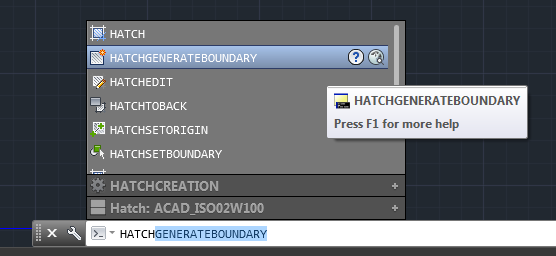
You can use HATCHGENERATEBOUNDARY in AutoCAD to recreate the boundary of a Filled Region that you exported to DWG.
You may be asking “why!” Well, if you have a bunch of Filled Regions and their sketch lines are all set to Invisible Lines, this may be one of the quickest ways to get a visible, printable outline of those filled regions in Revit
Here’s a quick video:
Open embedded content: screencast.autodesk.com
https://screencast.autodesk.com/main/details/6760f260-29f9-4690-890b-2516ac507f24
Discussion
0 archived comments. New comments are not enabled.