Quickly Generate 3D Reference Points in Revit from any DWG file
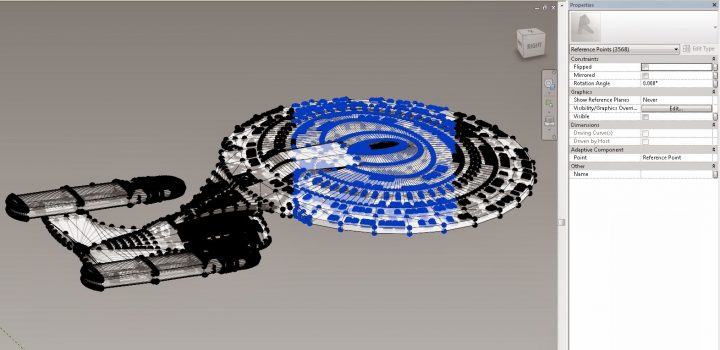
(using Paolo’s addin:)
- Download and copy dll and addin and copy to C:ProgramDataAutodeskRevitAddins2014
- Unblock the DLL (right click Properties in Explorer)
- Addin should automatically be available in Revit 2014 without restarting
- New Generic Model Adaptive family
- Import 3D DWG
- Start the Reference Points from 3D DWG command (Addins – External Tools)
- Select the DWG
- Click Finish in the Options bar
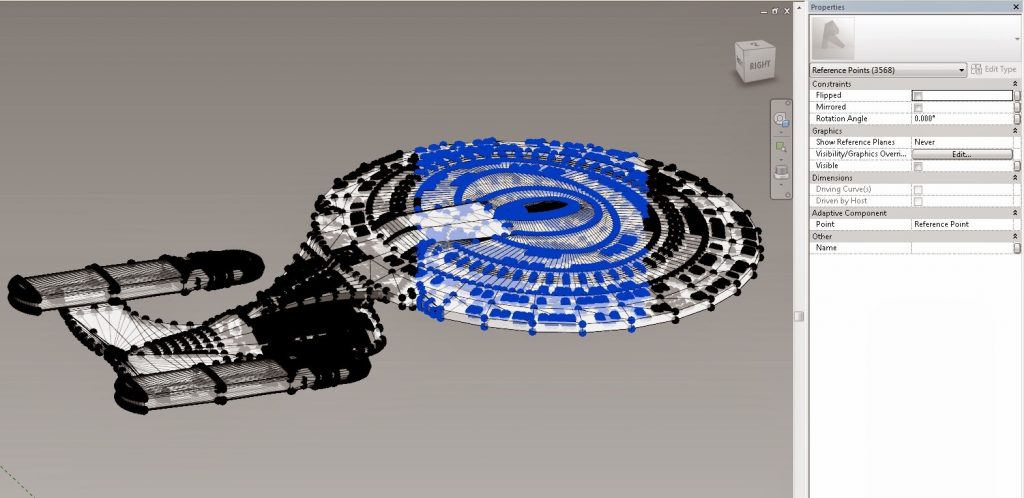
- Wait a while – you will get something like this:
Download links:
file DLL and ADDIN that should be copied here:
C: ProgramData Autodesk Revit Addins 2014
Original post:
Discussion
1 archived comments. New comments are not enabled.