How to Hide Orange Voids when Linking an IFC into Revit
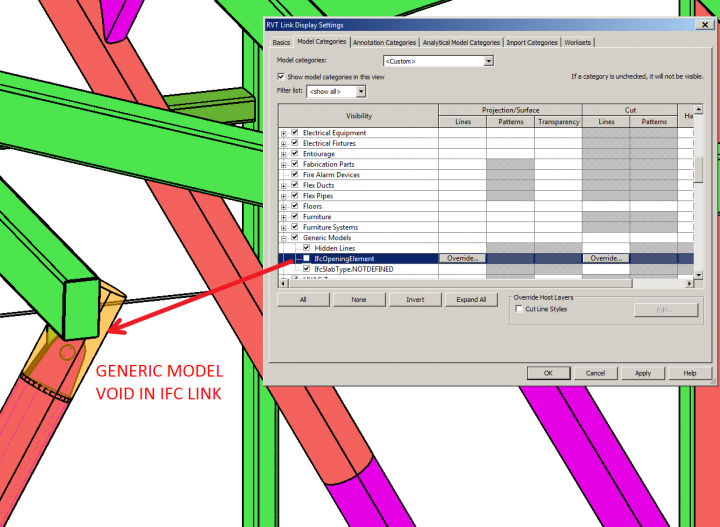
In Revit 2015, you can use the IfcOpeningElement subcategory of Generic Models (and possibly other categories) for a Linked IFC to hide the orange “void” elements that appear in certain situations, as per this image:
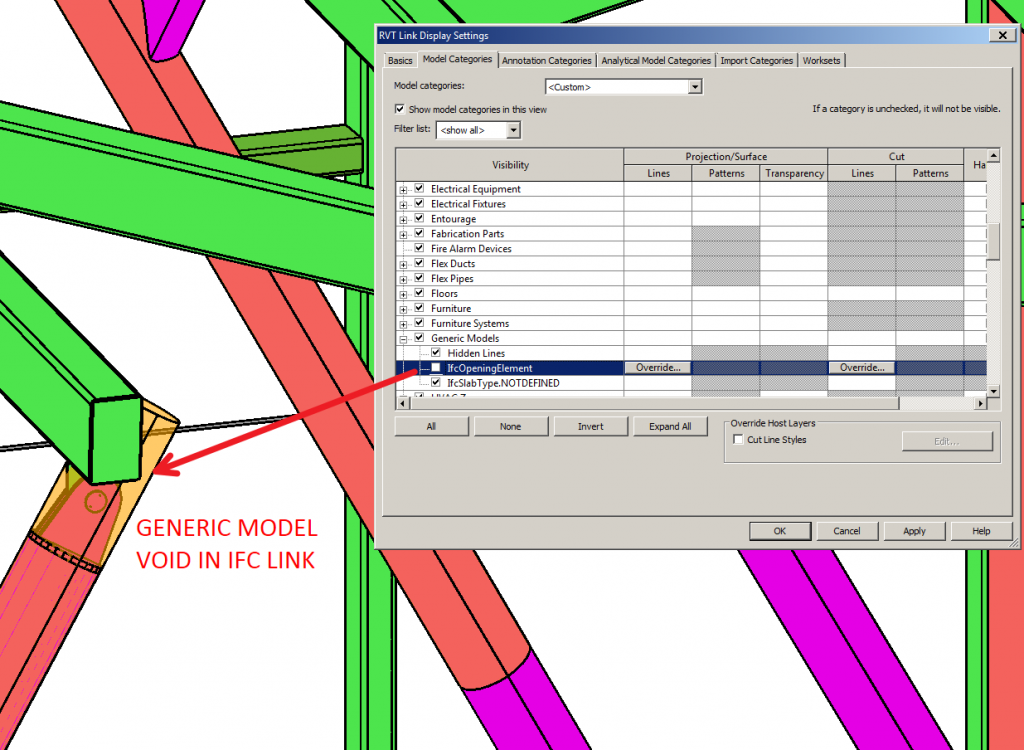
Just use the Revit Links Display Settings to “override” settings in Visibility / Graphics (choose custom, and Model Categories tab also custom) to access this subcategory.
Discussion
0 archived comments. New comments are not enabled.