How to create a Scope Box in the Family Environment
Isn’t it strange that Scope Box is a property of datums (like Reference Planes and Levels), AND its also a Property of Views (Floor Plans, Elevations, Sections etc) in the FAMILY environment, yet there is no tool to create a Scope Box available? (we are talking Revit 2012 here)
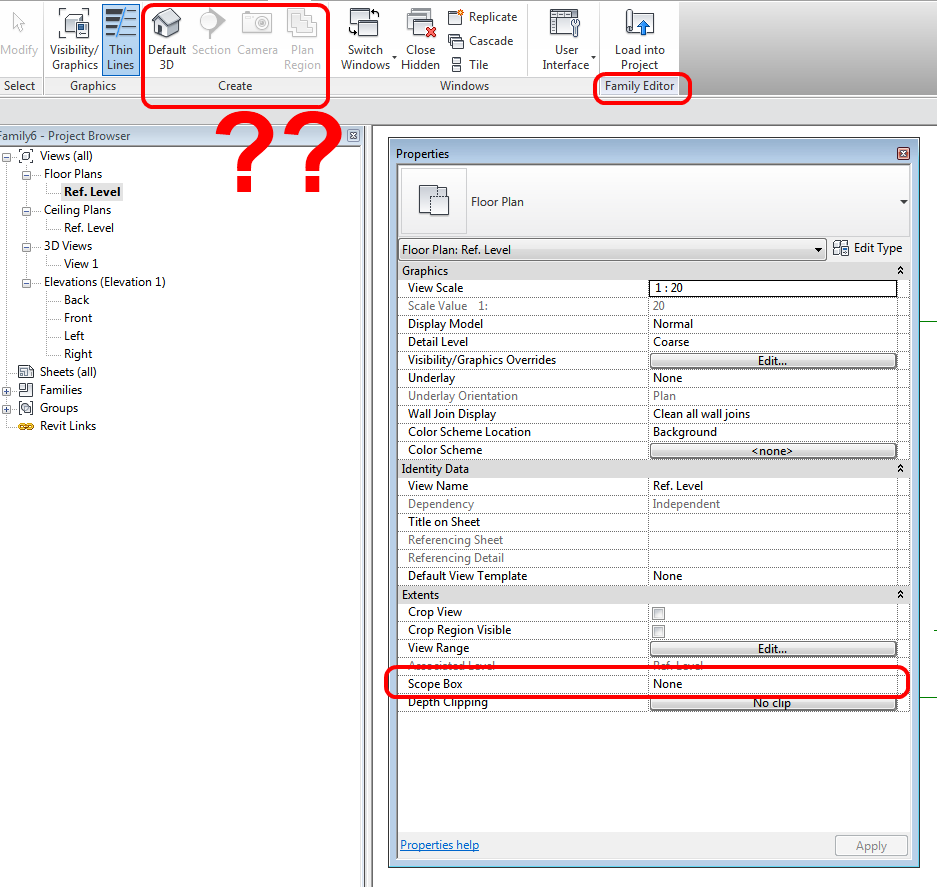
If you add a keyboard shortcut to Scope Box – it doesn’t work in the Family Editor…
If you add Scope Box to the Quick Launch toolbar – guess what? The Scope Box tool suddenly ‘appears’ in the Family Editor – but it is always greyed out. Remove it from Quick Launch, and it disappears just as suddenly… check it out:
Open embedded content: www.youtube.com
How are we going to get around this one? Simple – use this method to transfer a Scope Box from the Project Environment to a family RFA. From there, we can copy the Scope Box from family to family as needed!
Here is another gift from What Revit Wants – a Generic Model family with a Scope Box in it that you can copy to other families:
Download family
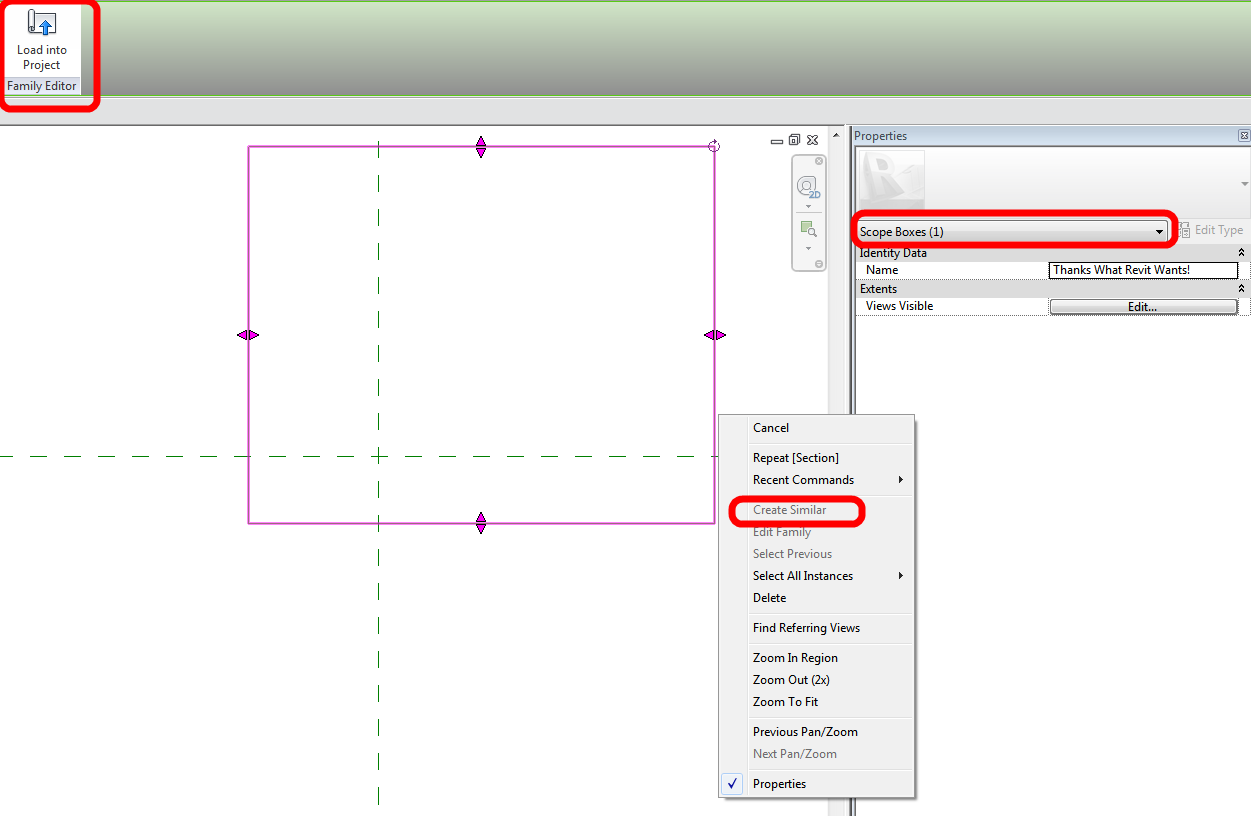
It’s pretty funny that you can’t even Create Similar once you have a Scope Box in the family!
Discussion
8 archived comments. New comments are not enabled.
I guess its not typical usage for a Scope Box, but I think saying 'none of the things that it does have any role' is going a bit far maybe?
I suppose if I was working on a really big one I might. I did recently for part of an airport but cropping the view wouldn't have helped.
There have been times that it would be nice to adjust a group of reference planes all at once so I'm not suggesting that having a scope box wouldn't be a benefit. I've often wished that reference planes behaved more like grids do relative to each other when adjusting one.
Did you check to see if the scope box shows up in the project environment?