Addin-free method to set 3D View Section Box to Match Scope Box
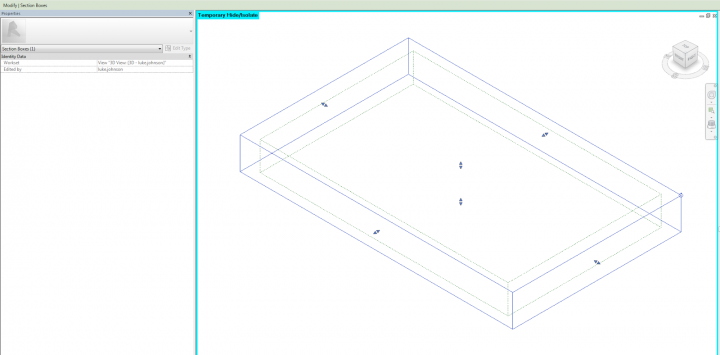
We have all used various autoSectionBox addins to adjust 3D View section boxes quickly. But if you want to quickly match a Section Box to a Scope Box without using an addin, try this:
- In a 3D view, select the Scope Box and the Section Box
- Sunglasses (ie. Temporary Hide/Isolate) – Isolate Element
- Turn the Section Box off
- Turn the Section Box back on
It will basically try to match whatever it sees in the view – in this case, the visible Scope Box. There is one pretty big catch, though… it doesn’t really work well if the Scope Box is not aligned to Project North. In this case, go back and use one of those addins 🙂
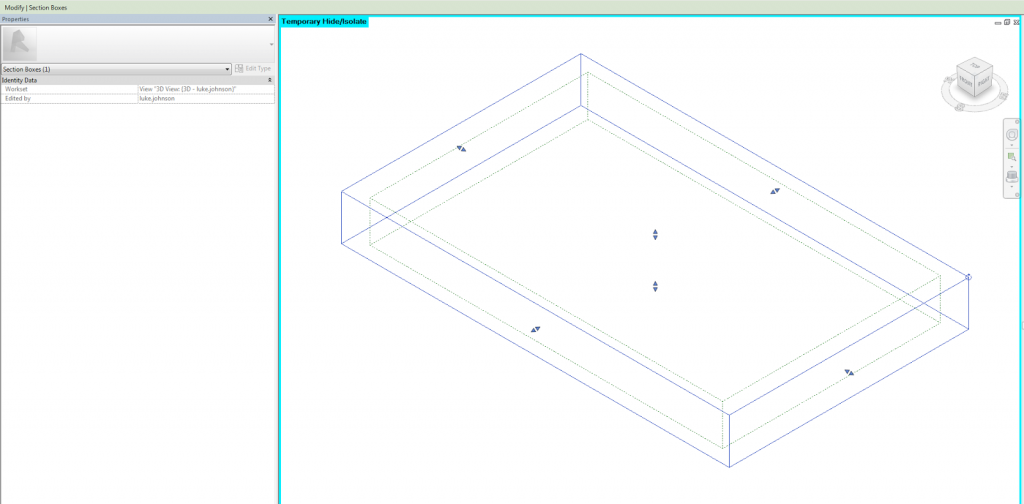
Tip via:
http://sixtysecondrevit.blogspot.com.au/2014/01/how-to-orient-3d-views-to-scope-boxes.html
Discussion
1 archived comments. New comments are not enabled.