Referencing, Replacing and Reloading Images in Revit
Did you ever notice this little button, available in the Manage Images dialog in Revit 2015?
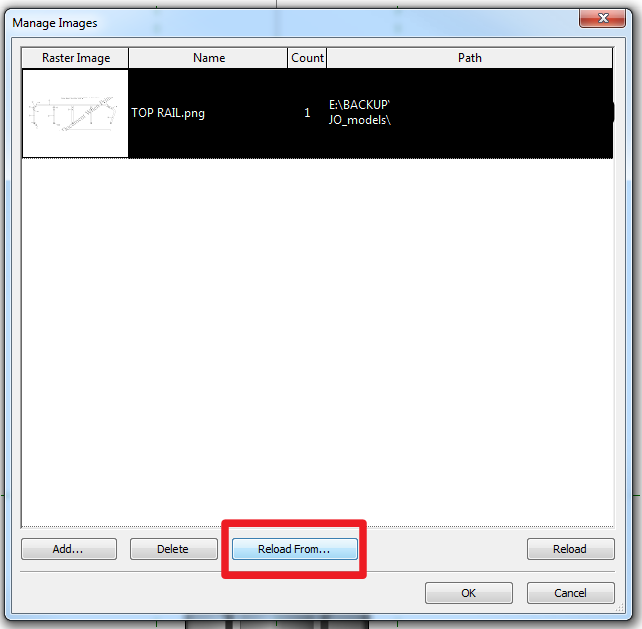
Although it is pretty self-evident, here you can replace an image by reloading from a different one. You can also use the Reload button to reload an image from the ‘saved path’.
Example:
Open embedded content: screencast.autodesk.com
This was a platform enhancement in 2015, as per:
About Managing Images | Revit Products | Autodesk Knowledge Network
You can read more about it at:
About Managing Images | Revit Products | Autodesk Knowledge Network
Discussion
0 archived comments. New comments are not enabled.