Quick Repetitive Scaling in Revit
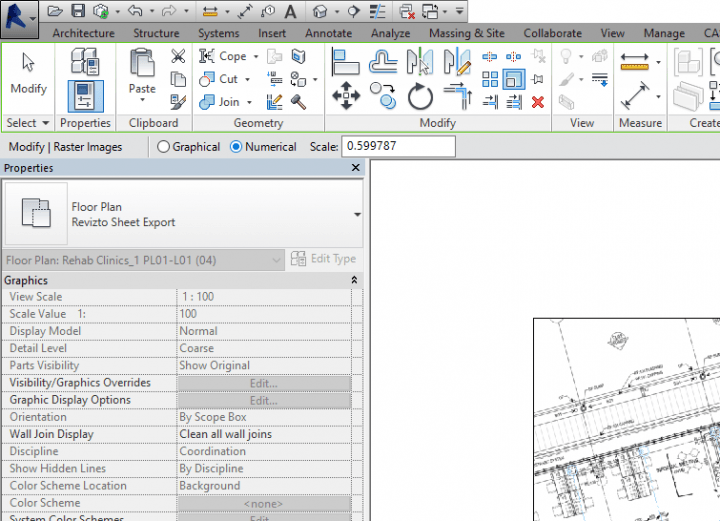
If you have just scaled an object (such as a Raster Image) at a certain scale, did you know you can re-use that previous scaling method very quickly on other objects?
Simply:
- Scale one element
- Select the next element
- Switch to “Numerical” in the Options bar
- The previous scaling method is already here
- Click on the desired basepoint (origin) on the element
- The object is immediately scaled
Discussion
0 archived comments. New comments are not enabled.