Process Explorer Download and How to Find Out What is Locking Your Files
Process Explorer is a free and very powerful task manager that let’s you really see what is going on with your system… One of those things every IT person should have in their toolkit. You can get it here:
Download Process Explorer (1.8 MB)
from this page
and here’s how to find out which process or program is locking a file or directory in Windows:
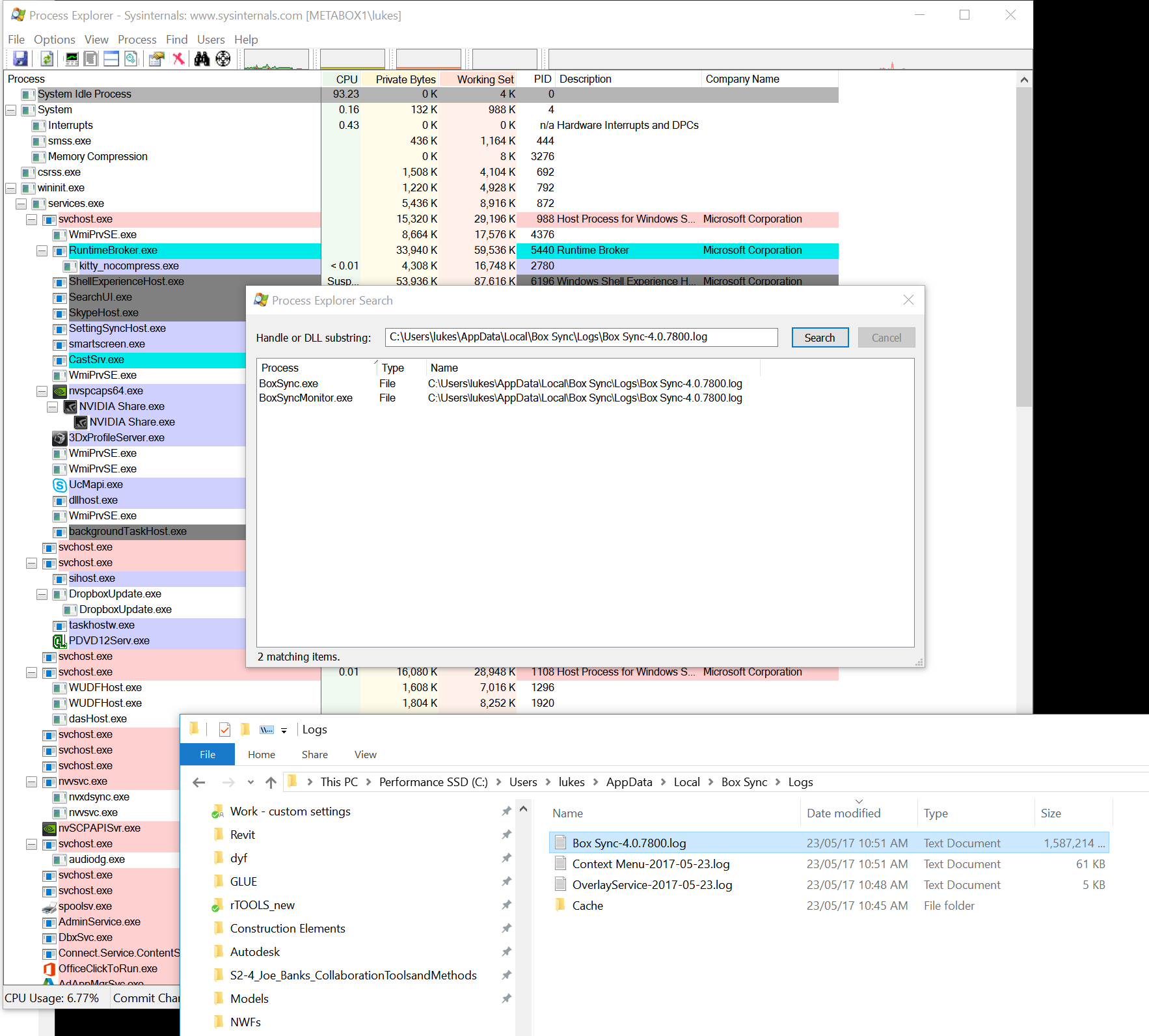
Go to Find > Find Handle or DLL. In the “Handle or DLL substring:” text box, type the path to the file (e.g. “C:\path\to\file.txt”) and click “Search”. All processes which have an open handle to that file should be listed.
Discussion
1 archived comments. New comments are not enabled.