Installing Fusion 360 using the command line only
- Open an elevated command prompt (Start – type cmd – right click Run as Administrator)
- @powershell -NoProfile -ExecutionPolicy unrestricted -Command “iex ((new-object net.webclient).DownloadString(‘https://chocolatey.org/install.ps1’))” && SET PATH=%PATH%;%ALLUSERSPROFILE%chocolateybin
- choco install autodesk-fusion360
- It will be installed somewhere like this:
“C:UsersUSERNAMEAppDataLocalAutodeskwebdeployproduction4b49a77e39afe2cab455d9514bab154658321859Fusion360.exe” - If any problems (missing shortcuts etc), you can go here and directly re-run the installer:
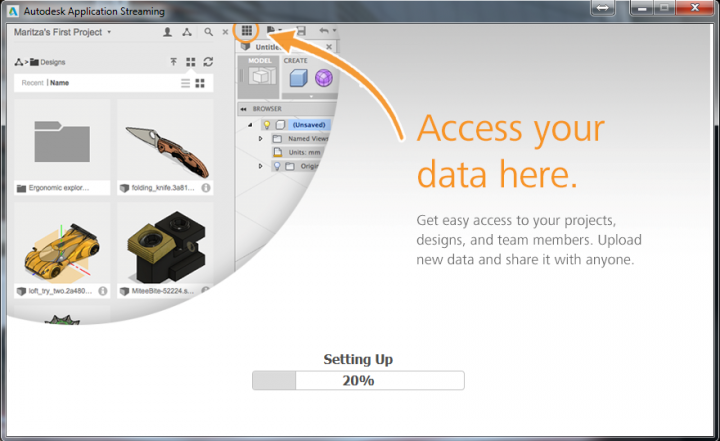
“C:Chocolateylibautodesk-fusion360.2.0.1149toolsautodesk-fusion360.exe” - Upon opening, it should login to your Autodesk account and give you access to your files on Autodesk 360
You might also try
choco install CADConverter(to easily convert DWG to PDF and more)
or
choco install freecad
Discussion
2 archived comments. New comments are not enabled.