Find Bloated Families living in your Projects
If you want to find out the actual file size of families that are living in your project, follow these steps:
- In Revit 2012, export all families to RFA files (File – Save As – Library – Family – ).
In 2011, you might be interested in this method. - View the exported folder in Windows Explorer.
- Sort By – Size
- You will see the most bloated families at the top.
Here is an example:
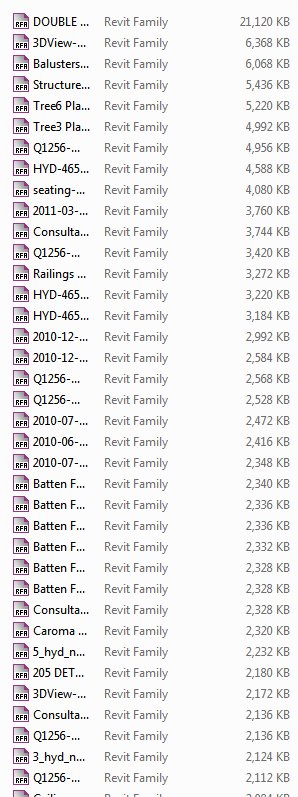
To reduce the size of the largest families, I can now:
- Open them from the project
- Delete any unnecessary data (such as imported DWGs)
- Purge and then
- Reload them into the project.
I anticipate significant size decreases for my (currently) 547 mb project!
Discussion
4 archived comments. New comments are not enabled.
http://bimchile.wordpress.com/
I'm not sure whether the family file size is directly (byte for byte) related to the size of the family when loaded into the project.