Convert DWF to DWG using free tools
These steps helped me to leverage some data from a DWF file and convert it into vector data I could use in a DWG file:
- Open DWF in Design Review
- Print to PDF using CutePDF (this worked for me)
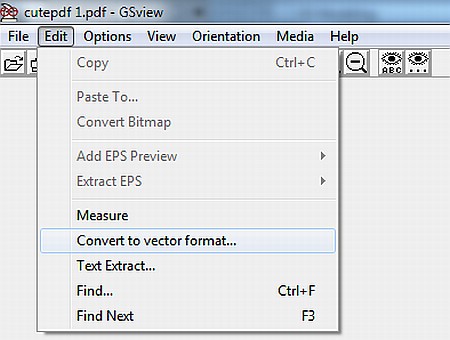
- Open resulting PDF in Gsview (see this link)
- Edit – Convert to vector format – dxf
- Open DXF in AutoCAD or DWG Trueview
- Save as DWG file
Hope this works for you.
Discussion
3 archived comments. New comments are not enabled.
Check out small details, especially curves....