You Can Add Revit Server subfolders directly to the Places List
Although you can’t right-click on these folders, you can use the Tools – Add Current Folder to Places option.
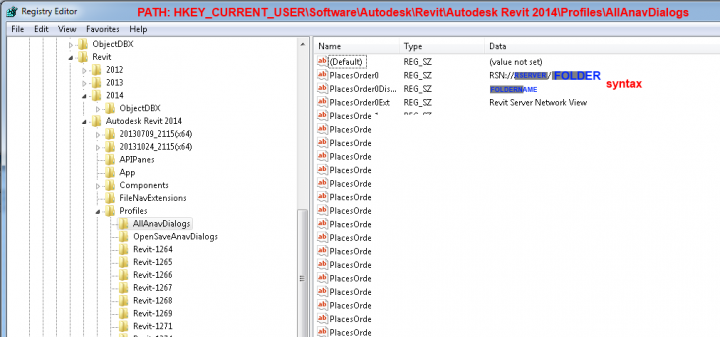
For Revit 2014, it looks like this in the Registry, at path
HKEY_CURRENT_USERSoftwareAutodeskRevitAutodesk Revit 2014ProfilesAllAnavDialogs:
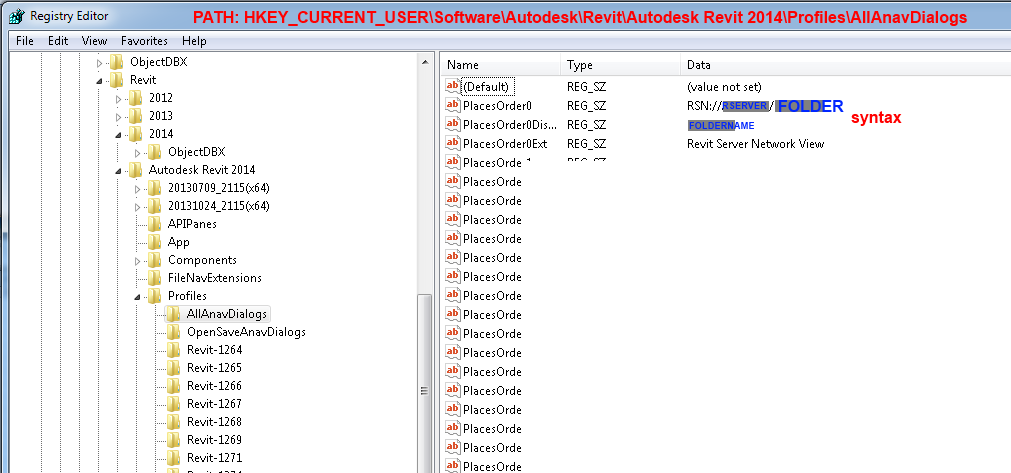
You could hypothetically populate these using a script or Registry merge (if you are careful).
Note: you do not need to restart Revit for these changes to appear.
My previous post about editing Registry Places:
https://wrw.blackgrid.com.au/2010/09/how-to-edit-my-places-names-using.html
Discussion
1 archived comments. New comments are not enabled.