Wall Opening Area Add-in (by Autodesk Labs)
What does it do?
Gives you more granular control over the calculation of wall and opening area
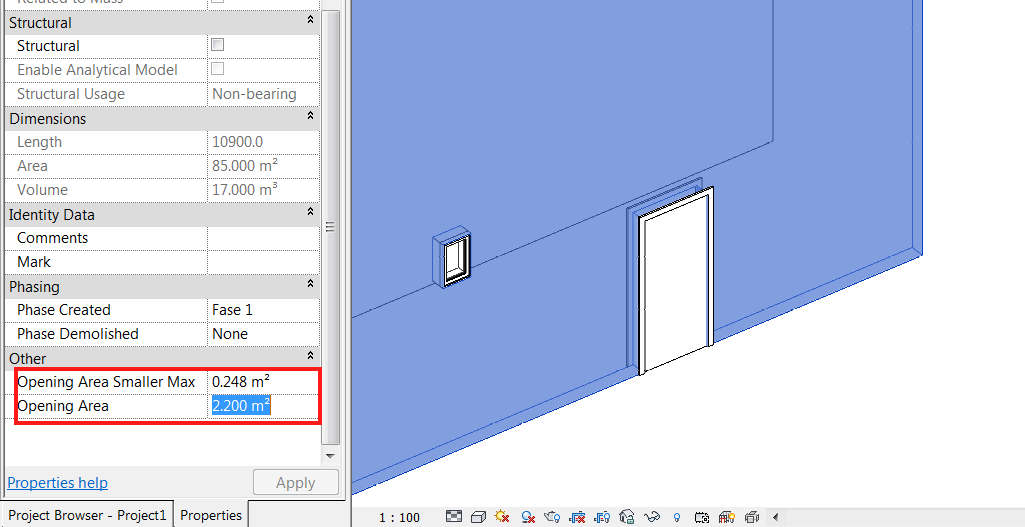
The results you get are divided according to an area value you can set. All the openings below that Maximum value are stored as Opening Area Smaller Max, and the total openings area are added to the Opening Area Parameter. Now, you can schedule this parameters and get the Gross area of the wall by playing with calculated parameters.
Heads-up and more info from here
Where can you get it?
From here
Discussion
2 archived comments. New comments are not enabled.