Using Nvidia nview with Windows 7 64-bit
Have you struggled to install nview on Windows 7 64-bit? Here are the steps:
Step 1 – Download the latest Drivers from the nVidia website
Step 2 – Download WinRAR (you could use 7-zip)
Step 3 – Open the Driver file with WinRAR and extract the nView.CAB file (onto your desktop for now)
Step 4 – Open the nView.cab file with WinRAR and extract all the files into a folder on your desktop
Step 5 – Run the nviewsetup.exe file as normal.
I found these steps at:
These steps may help you install nview in a number of different situations.
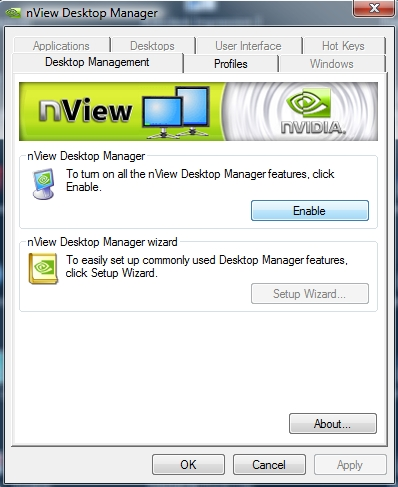
What does nview do?
nVIew display management software provides:
- Intuitive interface for easy display management
- Customizable desktop by various usage models
- Robust IT management tools for easy deployment and maintenance
- Tested compatibility with industry-leading business applications
- Proven stability – over millions of enterprise installations
Discussion
3 archived comments. New comments are not enabled.