Use Virtual Agent to download Individual Autodesk Installers that work with Suite Licenses
EDIT try this link first and click Start once the pane loads:
http://autodesk.creativevirtual15.com/autodesk/bot.html?isJSEnabled=1&businessArea=Root.Front%20Desk&startContext=Root.Front%20Desk
From CADsoft consulting:
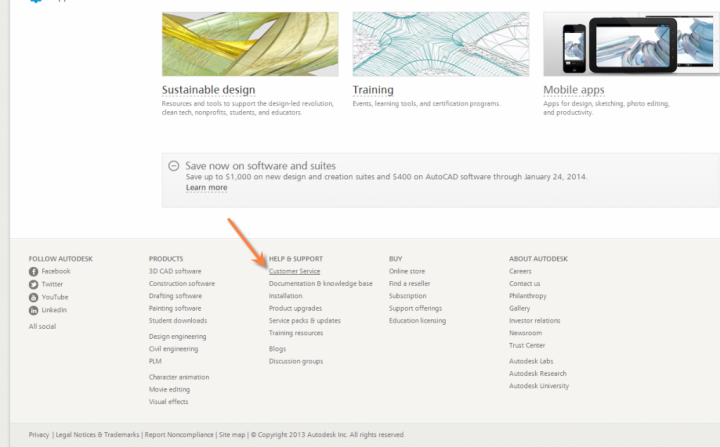
Go to http://www.autodesk.com/
select the Customer Service button at the bottom of the home page.
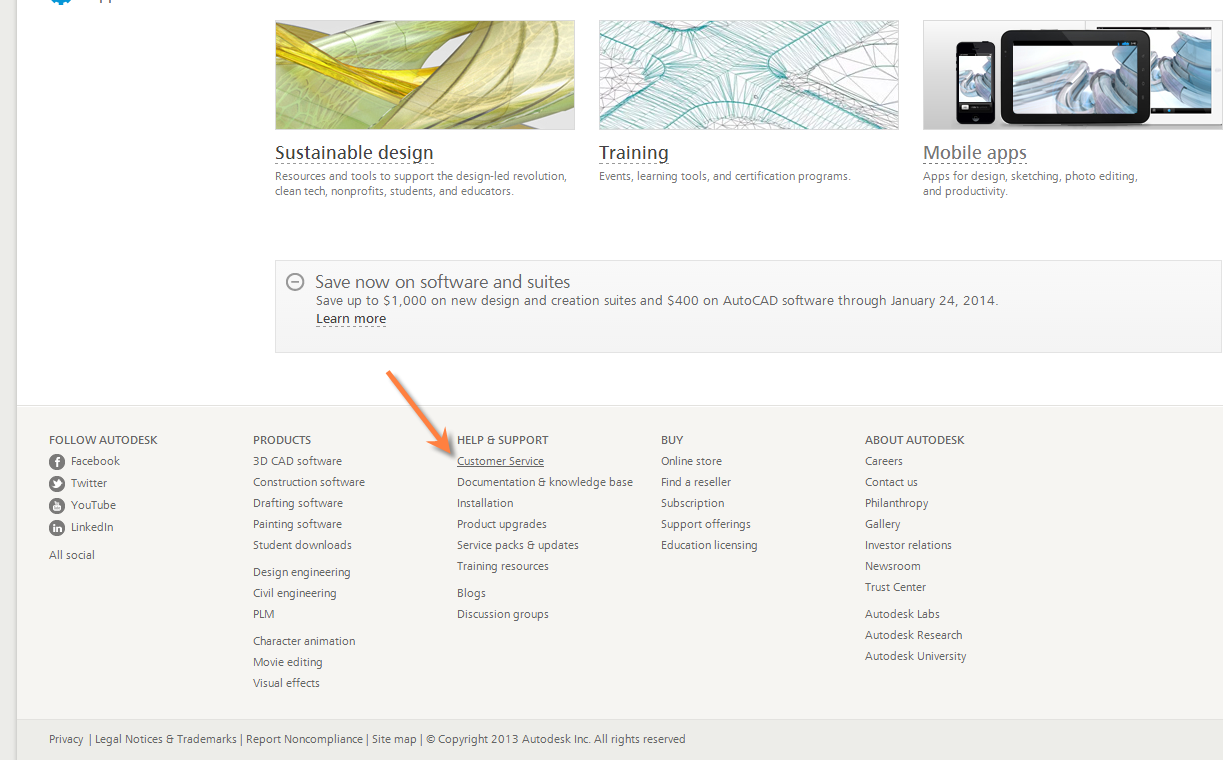
Select the ASK button on the next page and the Virtual Agent will launch giving you access to a Download Links selection, as well as other choices.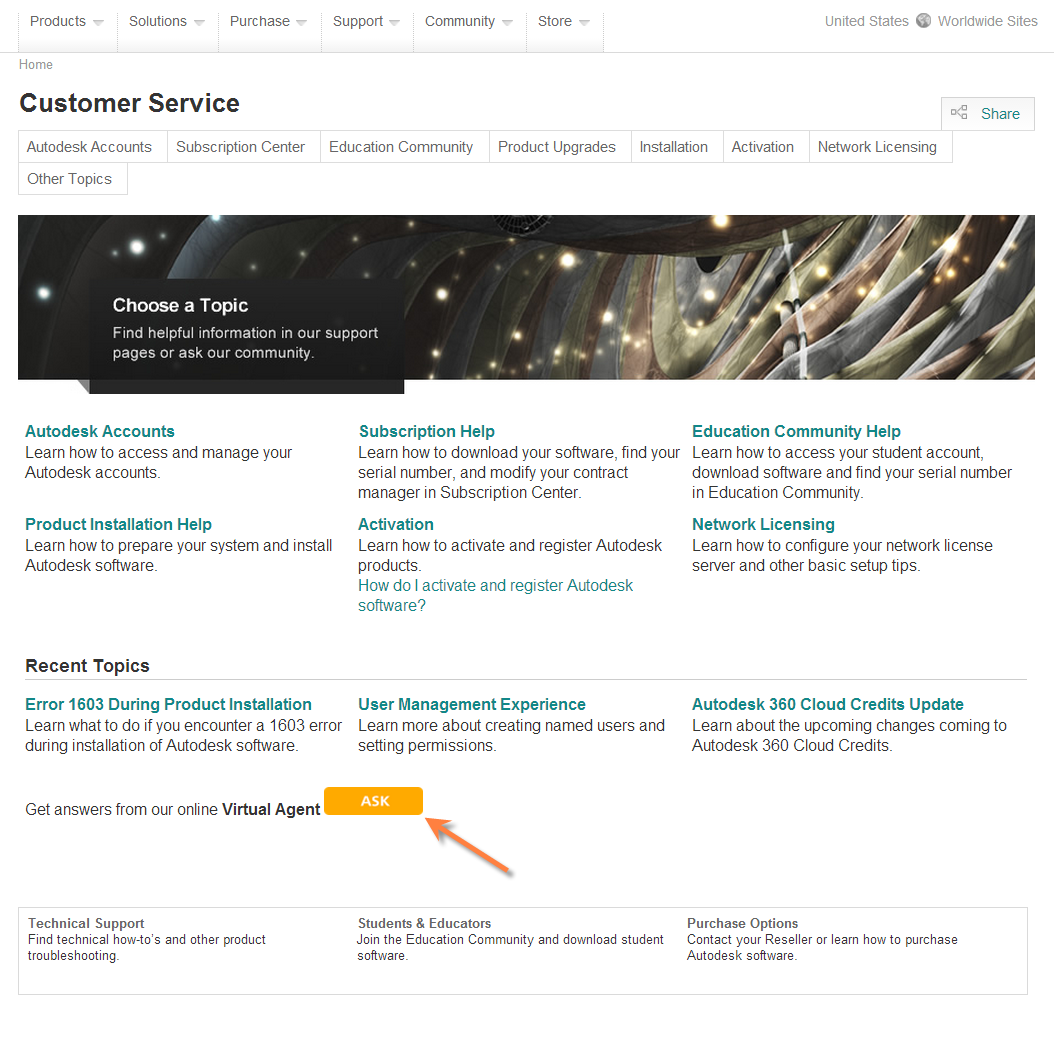
Read more:
http://www.cadsoft-consult.com/blogs/architecture/2014/01/download-an-autodesk-point-product-for-your-design-suite/
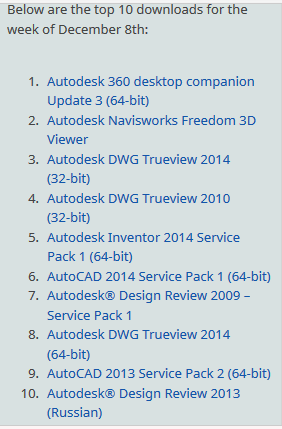
Interestingly, the Virtual Agent also has a “Top 10 Downloads of the Week” option. The result is pretty interesting:
Also:
#AutodeskAlert Our trusty Virtual Agent will be offline every other day for the next couple of weeks. Details here: http://t.co/ynaFyBcez2
— Autodesk Help (@AutodeskHelp) January 28, 2014
Discussion
0 archived comments. New comments are not enabled.