Tip for Working with Huge or Complicated Models or Families with Imports in Revit
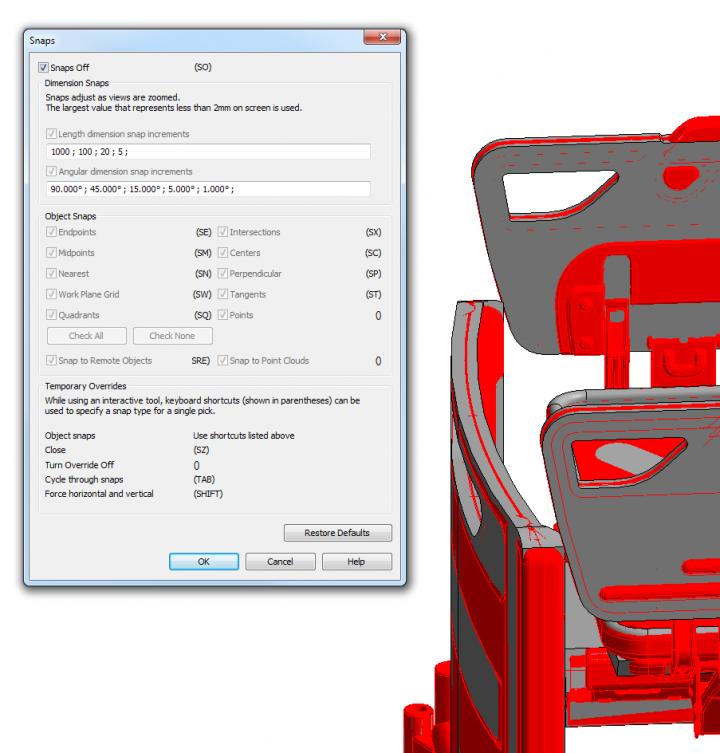
Turn Snaps Off on the Manage ribbon, and then use the keyboard shortcuts to selectively turn “On” the snaps when needed. This stops Revit from continuously looking for snap points when you are trying to navigate the model or draw new geometry.
Discussion
0 archived comments. New comments are not enabled.