What Revit WantsA Black Grid publication
From the archive

Three ways to Model a Slanted or Tilted Wall in Revit (download)
· Luke Johnson

Well, there are at least three:

1) Wall by Face tool, from a slanted Mass face

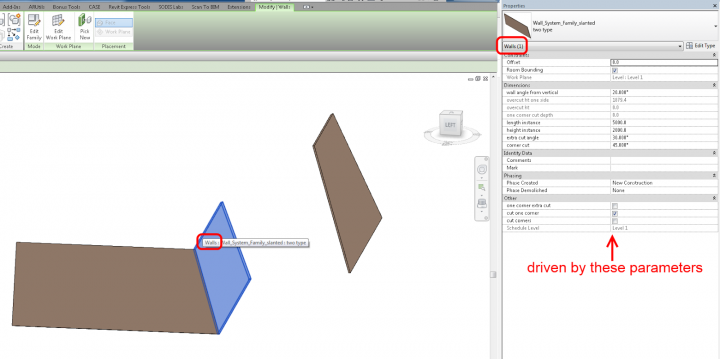
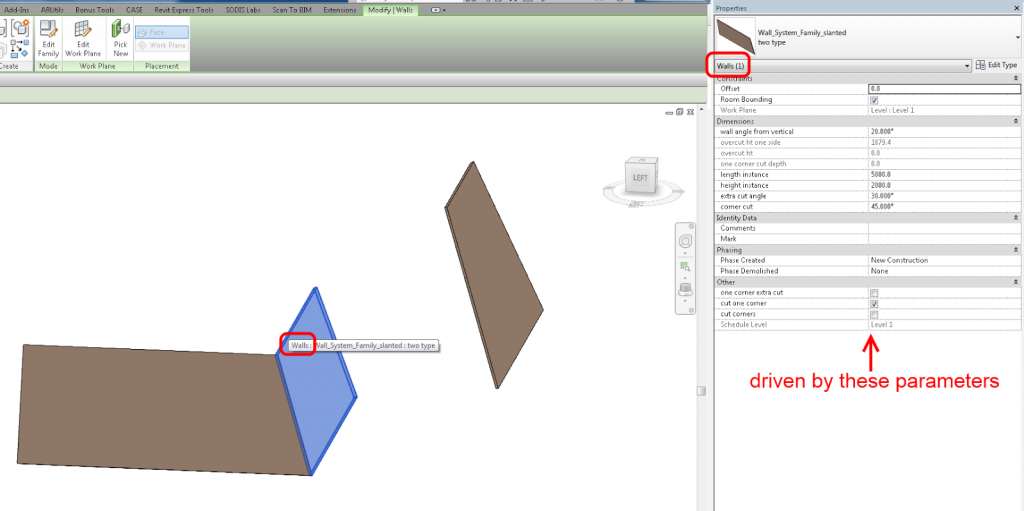
2) My Wall Component family, with adjustable angle and corner voids – download here
(warning – unsupported workflow)
3) This Thick Wall with Reveal method
Open embedded content: www.youtube.com

Discussion

6 archived comments. New comments are not enabled.

Tony Perez
When a wall becomes slanted, doesn't it (by definition) become a roof? Studs become rafters, etc. Can a roof with a steep slope also be used?
Luke Johnson
Semantically, I don't object to your comment. However, in Revit terms, Walls have some unique properties - for example, they automatically join and heal to one another, and can host certain families. Thus, the reason why Slanted "Walls" can be useful.
Allen Angle
I haven't tested yet, but will things like Room Tags read them for Area and Volume calculations?
Anonymous
Hi, the family looks interesting from the video you posted, but I have Revit 2013 and am not able to open your family. Is there a chance for recreating for 2013 or at least a detailed description on its creation. Thank you. Chris
Anonymous
The wall reveal method looks interesting but can you post up an sample of the wall that you're using in "Thick Wall with Reveal method" video. Thanks

The one thing about the Wall Component family is that you can't host doors or windows families.

Thanks again,

Rob
Davie
So...what I did was...I created a Roof Type that matched my wall type. I was able to create the roof type with the slope I needed and place over the vertical wall. Then I used Opening by Face to create the window openings in the "roof wall" Seriously AutoDesk needs to implement this control for wall types. Oh the soffit issue. I just buried it in the ground.