The easiest way to become faster at Revit
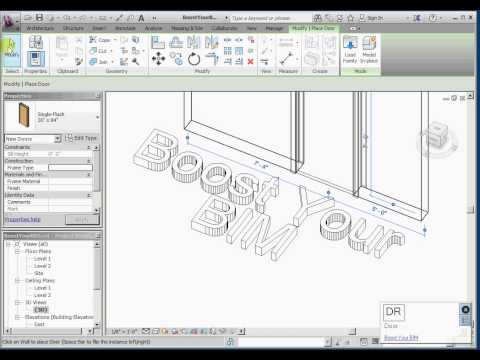
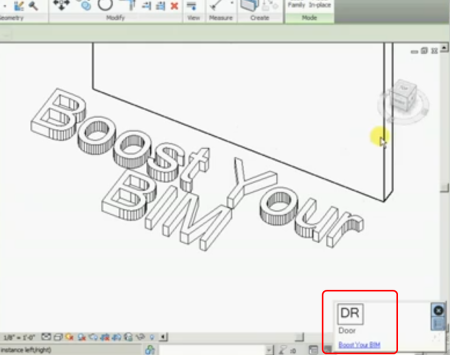
I’ve been waiting for this! Keyboard shortcuts can make you ridiculously more productive in any CAD software, and that certainly includes Revit. Harry has made a little ‘tutor’ program that gives you visual cues on what Keyboard Shortcuts you can and should be using (like Veodin Keyrocket for Windows / Office).
Unfortunately, the full version isn’t free – but I guess the guy has to make a crust somehow 🙂 And I have a feeling that $5 will pay for itself in about half a day of improved productivity.
EDIT: Updated versions 27 Feb 2013
2012 Install 2013 Install Purchase License
Check it out:
Open embedded content: www.youtube.com
“Free version provides reminders for shortcuts that contain the letter “W”. If you find it helpful and want reminders for all shortcuts, please purchase a license. “
Read more:
Download the Revit Keyboard Shortcut Tutor today! | Boost Your BIM – making Revit even better
Discussion
3 archived comments. New comments are not enabled.
I will try this tutor, but again, I spend most of my time waiting for regens.
Revit is intentionally hobbled by autodesk, so they can milk it for the next twenty years, making tiny obvious improvements and charging huge sums for those tiny improvements. revit is not designed for users, it is designed for shareholders. Autodesk's primary product is profit, software is just the vehicle to that end. Users may suffer with ridiculously stupid software, but the users do have any voting power over upper management, unless those users are also shareholders - which I highly recommend.