Start AutoCAD without any drawing open
At command prompt, type STARTUP and hit Enter. Type 2 and hit Enter.
When you close AutoCAD and then re-open it, you will be greeted with a nice, clean screen with no drawing opened.
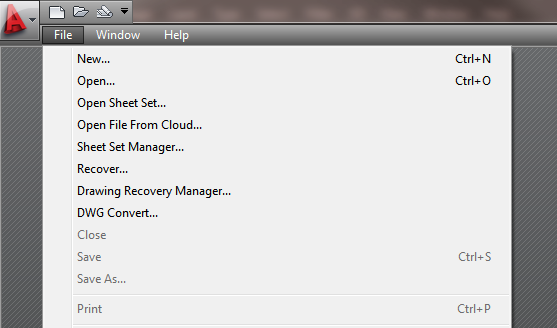
At command prompt, type STARTUP and hit Enter. Type 2 and hit Enter.
When you close AutoCAD and then re-open it, you will be greeted with a nice, clean screen with no drawing opened.
Discussion
2 archived comments. New comments are not enabled.