Revit 2013 – DWG export Color ID global change bug
I thought I got in a loop today:
- Export DWG
- Expand All
- Select all rows
- Try to delete the number in the Color ID box
- This warning will come up:
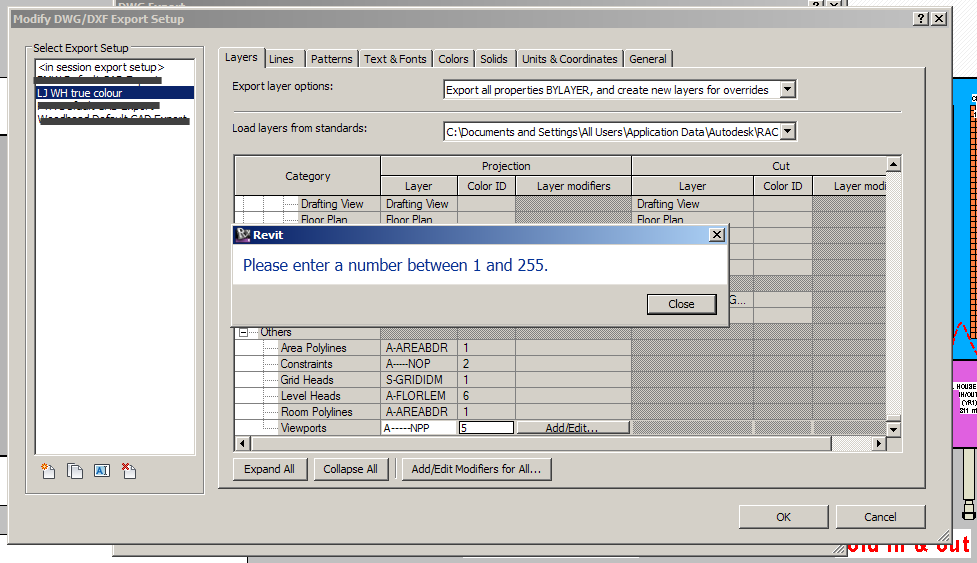
You have to press Close for every selected row (could be hundreds) – quickest way is to hold down the Enter key until the warning goes away.
Originally I thought this was a looping bug, but it is just Revit being overly thorough 🙂
Discussion
0 archived comments. New comments are not enabled.