Override Cut Lineweight of Flat Pipes when Cut Perpendicular in a Revit View
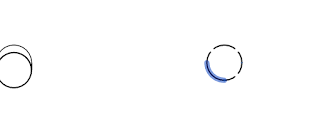
If you cut a sloping pipe in Revit, you can override the lineweight using Linework tool (or Visibility / Graphics) easily, because you are dealing with a model element. However, if you cut a ‘flat’ or horizontal pipe in a Section or Elevation, Revit assumes you want the nice system-related cut symbol for that Pipe and you can’t easily override the Cut Lineweight with a Linework tool.
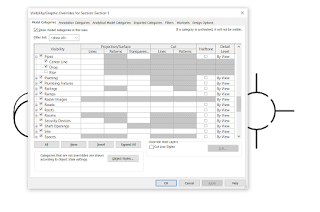
What you need to do is turn off that default Symbol in Visibility / Graphics, and then you can successfully override the Cut representation.You may find that by turning off the Drop or Rise option, the symbol isn’t shown and the Linework tool will be active for the cut lines of flat pipes:
Discussion
0 archived comments. New comments are not enabled.