Navisworks CIP folders can consume lots of hard drive space – here's how to fix it
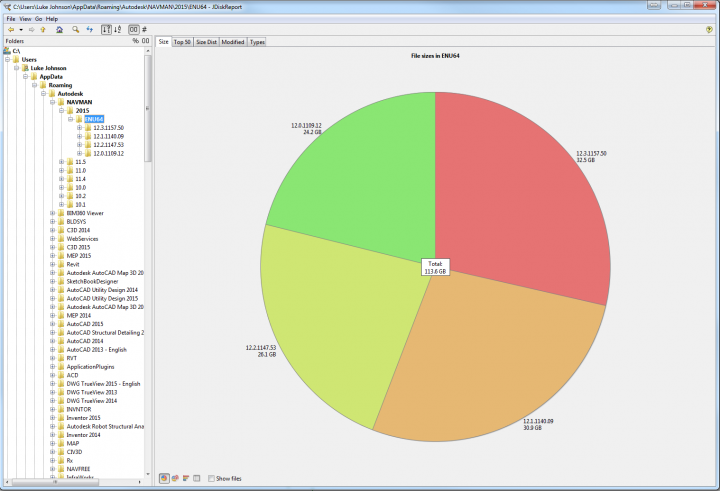
I noticed these CIP folders were consuming huge amounts of space:
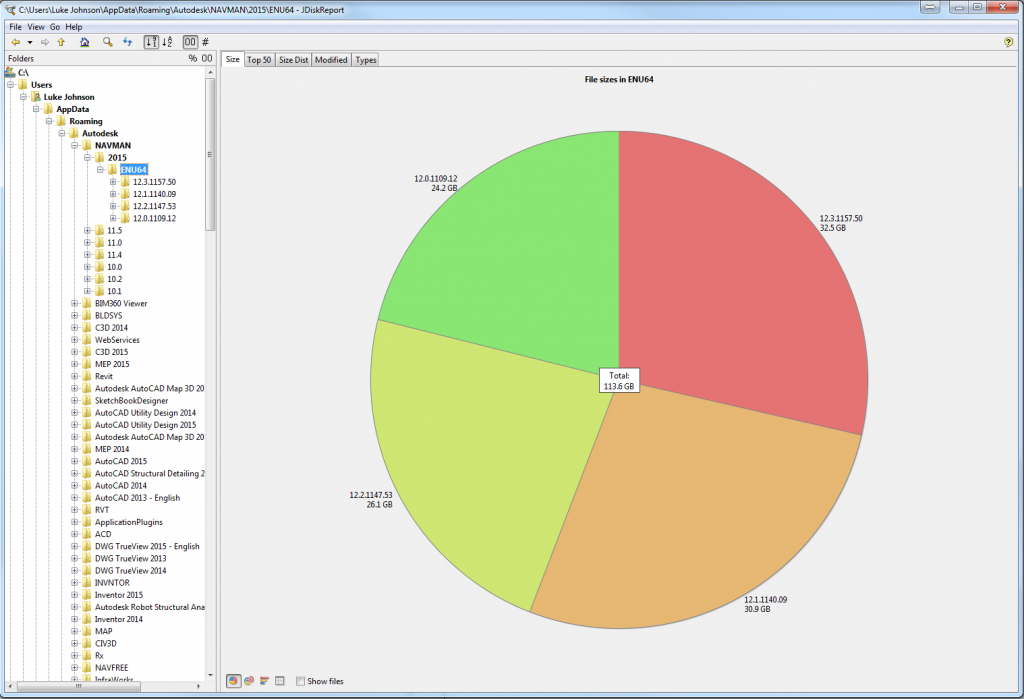
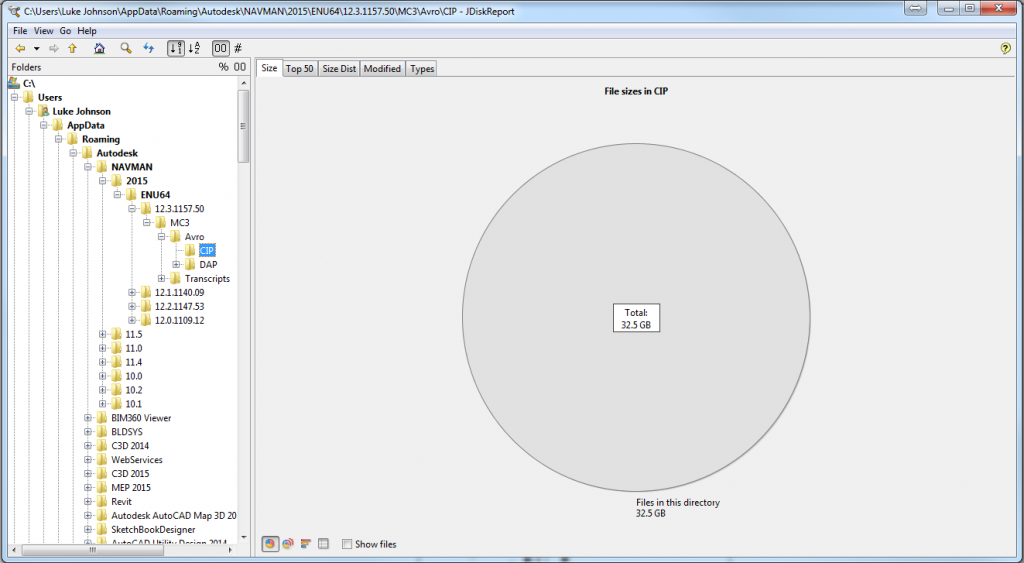
So, I basically deleted everything out of these CIP folders and freed up a lot of space. Upon restart, Navisworks re-created the necessary support files. The current path on latest Navisworks version is:
C:UsersUSERNAMEAppDataRoamingAutodeskNAVMAN2015ENU6412.3.1157.50MC3AvroCIP
Close Navisworks, go to this CIP folder and select all – Delete. Send them to Recycle Bin if you are worried something will break. Open Navisworks, check everything is OK, then you should be able to delete them permanently.
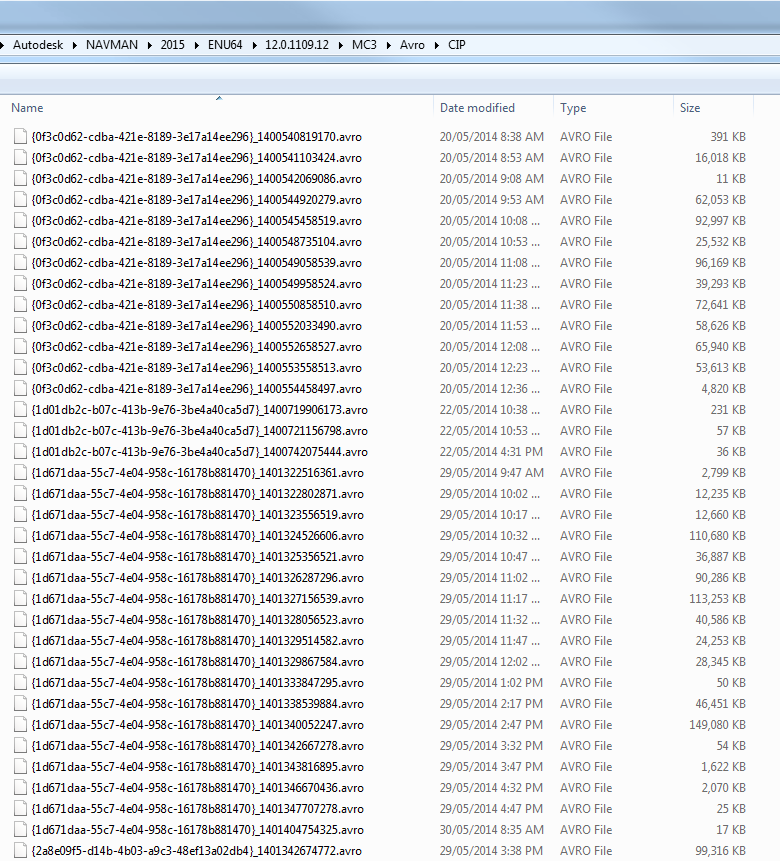
These were the files:
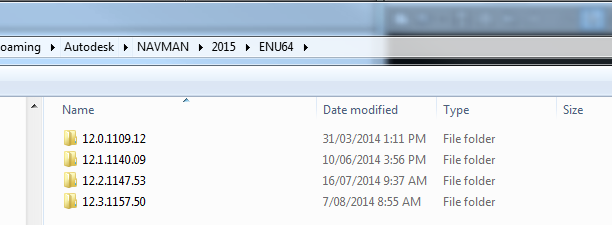
Across various Navis versions:
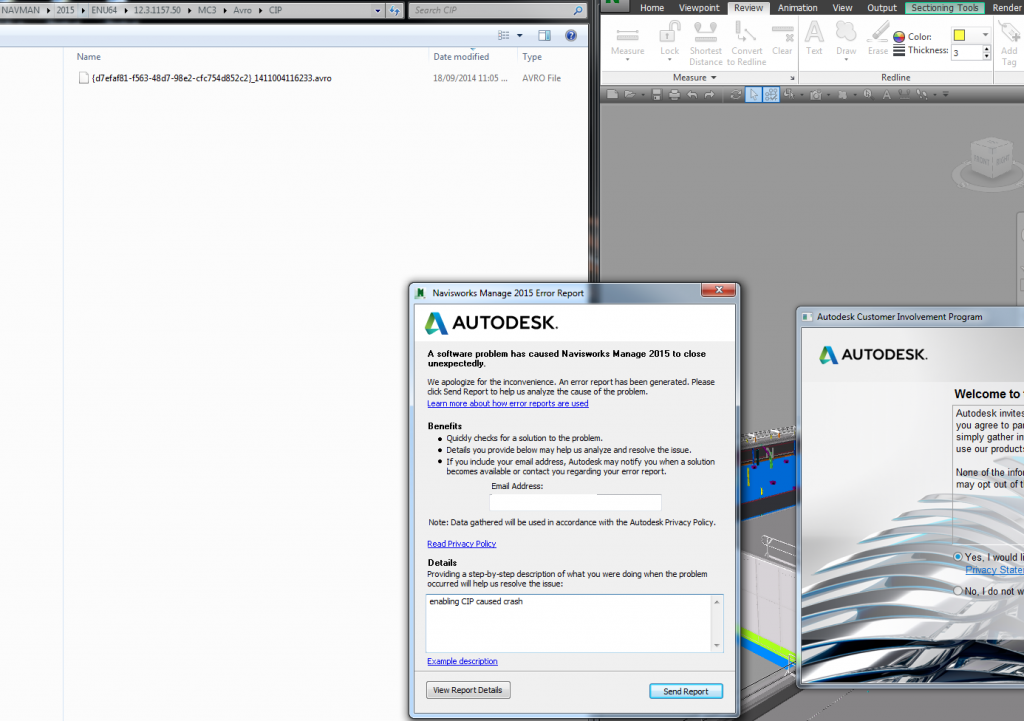
Sometimes, when enabling and disabling CIP in Navisworks 2015, I will get a crash. Save before you do it!
Discussion
1 archived comments. New comments are not enabled.