Modify Mitering for Roof Fascia
Have you noticed this little gem yet?
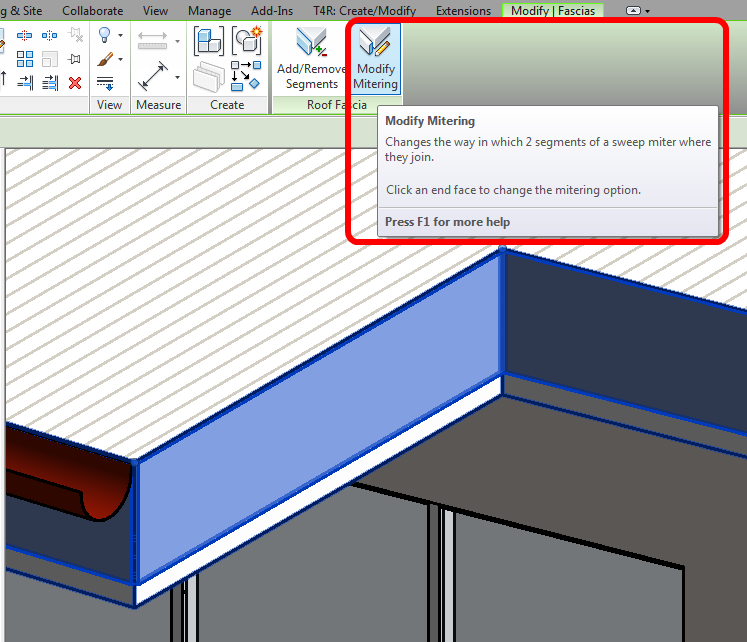
Basically:
- Select a Fascia – the tool is revealed
- Click Modify Mitering
- Choose the option you want
- Click a fascia edge
Various options are available:
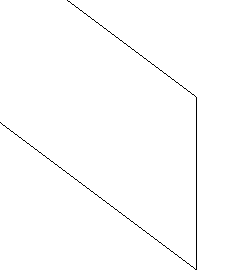
Vertical miter
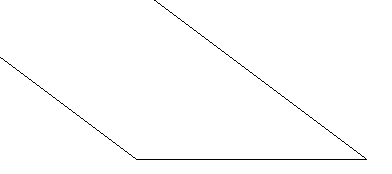
Horizontal miter
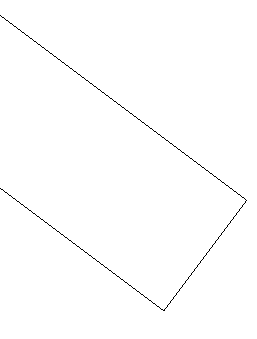
Perpendicular miter
You can learn more at:
Changing Mitering Options for Roof Fascia – WikiHelp
Discussion
1 archived comments. New comments are not enabled.