Making a None option for Family Type parameter switching
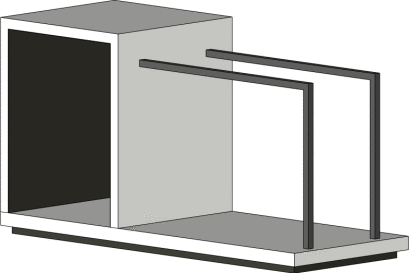
Dieter Vermeulen describes an interesting workaround – when using a Family Type parameter, how can you turn “off” the family without using Visibility parameters?
His solution is essentially to delete geometry out of a copy of the Nested instance, and leave only one Type in that blank instance. Call it None, and it shows up in the Family Types list that way.
Read the whole post:
http://revitbeyondbim.wordpress.com/2013/12/03/how-to-set-family-type-parameter-to-none/
via
https://twitter.com/RevitbeyondBIM/status/407975518768594945
Discussion
0 archived comments. New comments are not enabled.