Making an Additional Custom Ribbon Panel in Revit
Many of us are installing lots of Addins into Revit these days. Some addins, like Scan to BIM, create their own complete ribbon panel. This functionality could be re-appropriated into a solution to the “too many addins” problem.
I think it would be great to have a little widget or customization tool that allows an additional addins Ribbon to be created (eg Addins2), so that you can reduce the sometimes very congested “look” of the single Addins panel in Revit.
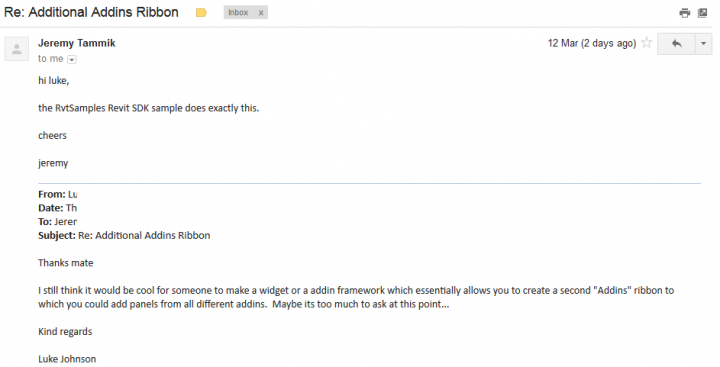
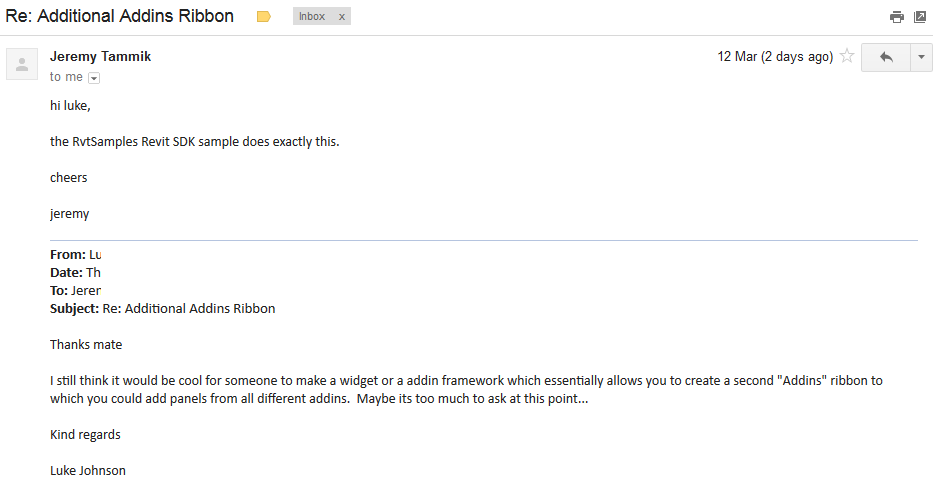
Jeremy notified me that the samples provide essentially this capability:
and I did get started on something, but I only got this far and don’t really have time to finish the job:
https://drive.google.com/file/d/0B1dGdRkpk2beN3drNTFvemp1QnM/edit?usp=sharing
So if anyone out there wants to look into creating a nice and easy ribbon customization tool, let me know and I will definitely post about it.
Discussion
2 archived comments. New comments are not enabled.
We know that all Add-ins should be loaded through their own manifest files but these don't really determine where they go. Therefore you could manipulate these manifest files to a certain extent but it'll do no good because the developer will be setting their interface out via a IExternalApplication loaded via the manifest rather than writing a manifest file that outlines each individual command associated with the add-in.
The reason you don't see these kinds of add-ins that organise other add-ins is that the framework isn't conveniently arranged to do that. All it would take was for Autodesk to allow you to set the vendor id for a IExternalCommand loaded via an IExternalApplication but they won't or can't allow you to do this for some reason.