How To Keep Using Your Legacy Extensions in Firefox (For Now)
Firefox 58 Quantum resulted in our old extensions not working anymore. But if you want to enable extensions and keep using them, here’s what you need to do:
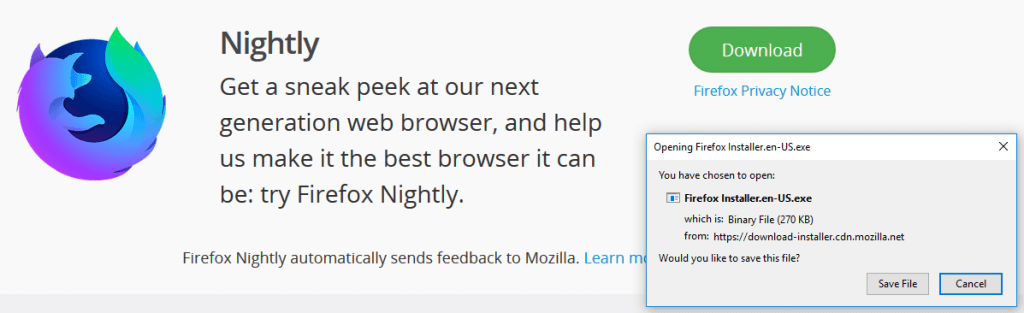
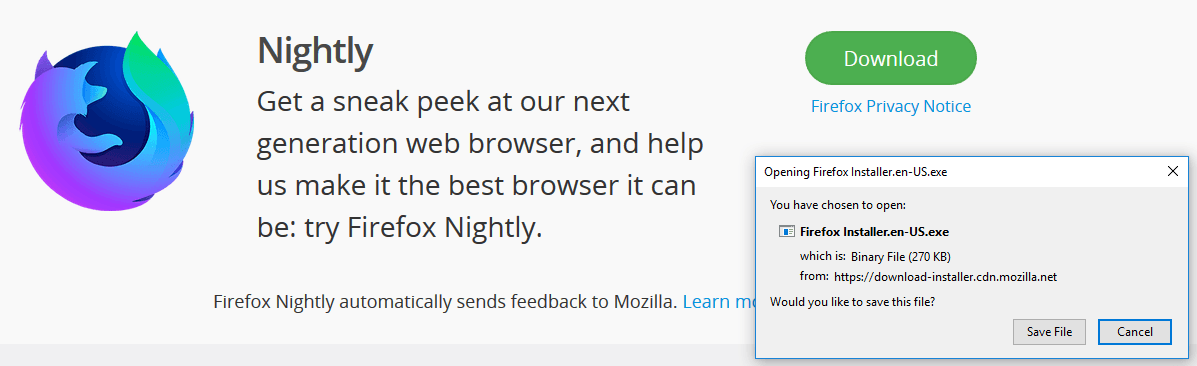
- Download and install Firefox Nightly from here.
- Start Firefox
- Type about:config in address bar
- and set the preference ‘extensions.legacy.enabled‘ to true
- Restart Firefox.

You should now be able to enable multi-process capable extensions:

Discussion
0 archived comments. New comments are not enabled.