How To Disable the 3Dconnexion KMJ Emulator Game Controller To Fix Conflicts
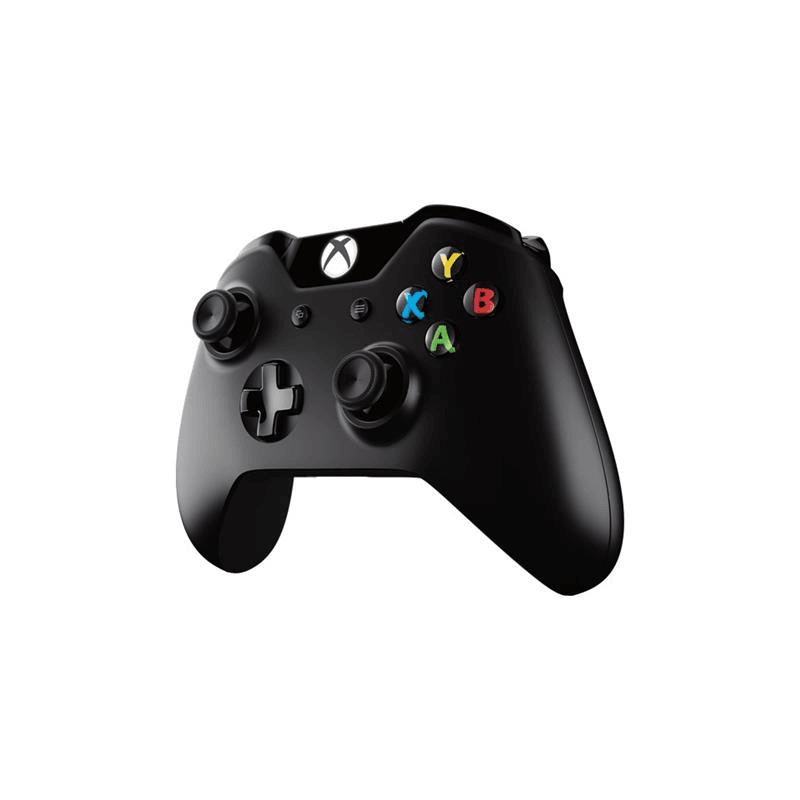
Recently I had an issue where an Xbox One Wireless controller, connected via Bluetooth, was not working properly in Revizto. When I went to the USB Game Controllers control panel, it showed a 3Dconnexion KMJ Emulator device. This is related to my 3Dconnexion SpacePilot Pro. In order to solve the conflict, I disabled the ‘game controller’ component of the 3Dconnexion KMJ Emulator, using these steps:
- Open Device Manager
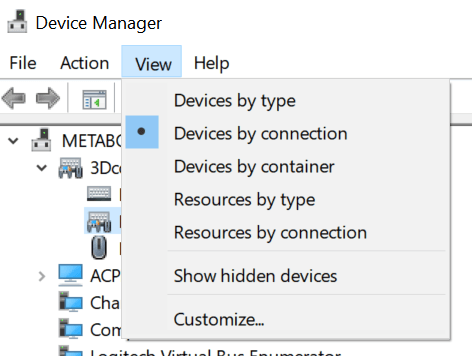
- View Devices by Connection
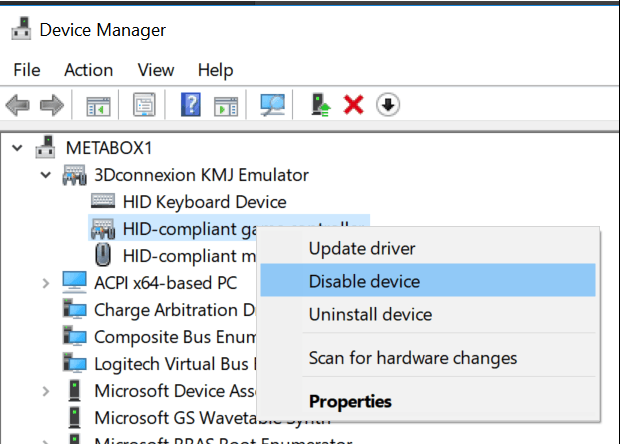
- Right-click the game controller sub-item and Disable device
- Restart the PC
After this, the issue was fixed and the Xbox controller worked perfectly in Revizto.
Discussion
2 archived comments. New comments are not enabled.