Giving AI Hands: A First Look at ShadowGrid
A lot of useful work still happens inside a Revit model or an Excel workbook. These applications hold years of project knowledge, business rules and carefully developed workflows.
AI can help write a script or explain a formula. Getting that assistance into the actual workflow—and checking the result—is where things become interesting.
That is why I’ve been working on ShadowGrid, a Black Grid add-in that brings Python automation into the Revit ribbon.
The visible part is simple: choose a tool, run it, review the result. Behind it sits something just as valuable: a framework for developing, testing and improving those tools.
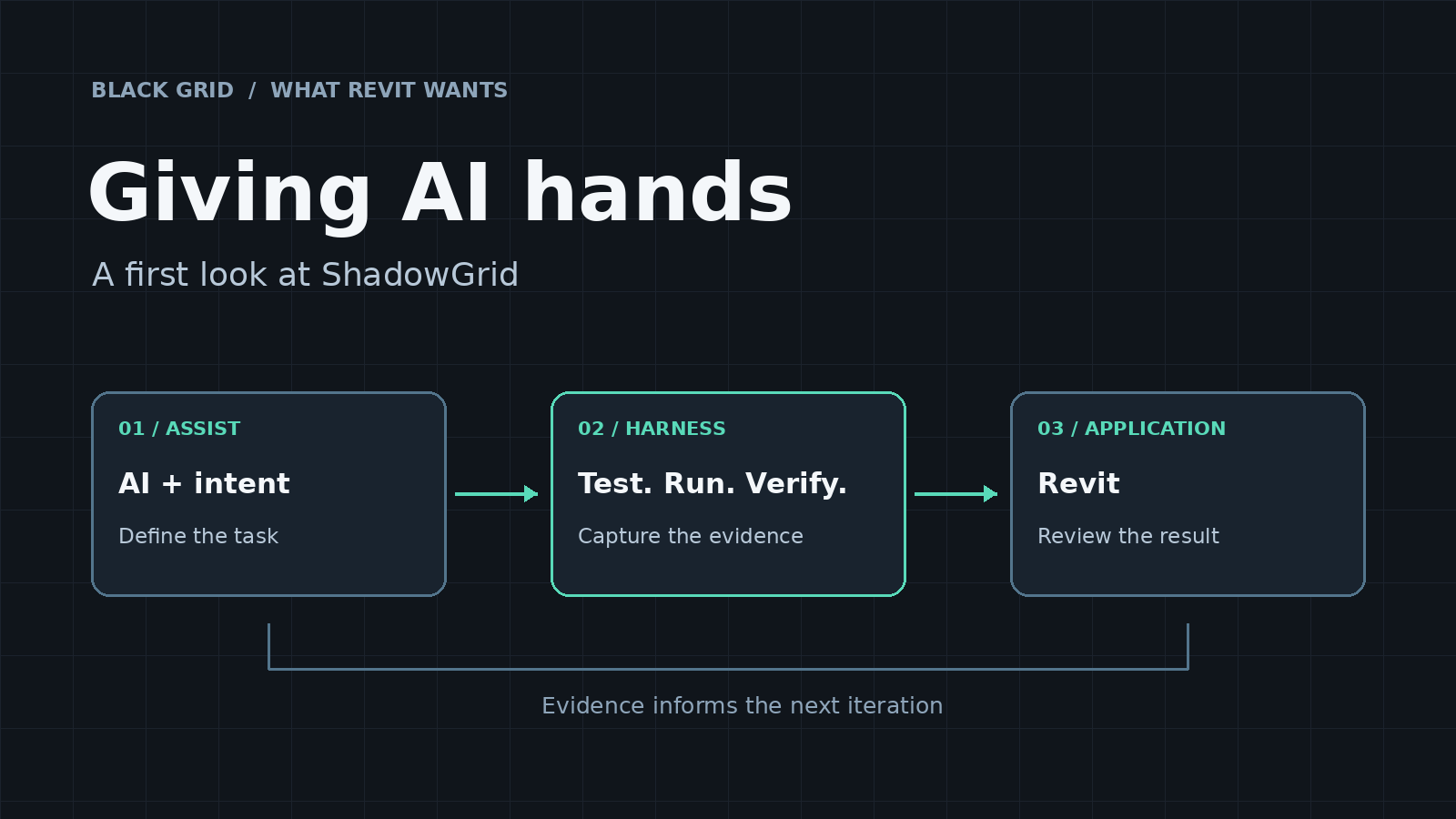
Think of that framework as giving AI hands. The application connection lets a script work with real model elements. The harness provides a repeatable way to test the logic, put it into Revit, capture what happened and feed that evidence into the next iteration. A person remains involved in running and reviewing the work.
For Revit, that could mean finding duplicate elements, tagging connected fixtures or selecting items that need attention. In Excel, the same approach could support checking a workbook, reconciling tables or preparing a repeatable report.
The details differ, but the questions are familiar: which document are we changing? What is in scope? How will we verify the outcome? What happens if something fails?
Those questions deserve as much attention as the prompt.
ShadowGrid is our Revit implementation of this approach: practical automation inside the tools people already use, supported by tests and a clear record of what happened.
I’ll share more soon, including some real workflows and what we’ve learned while building them.
Discussion
0 archived comments. New comments are not enabled.