How To Get Inverted User Interface Colours in Revit
Want to try something completely different?
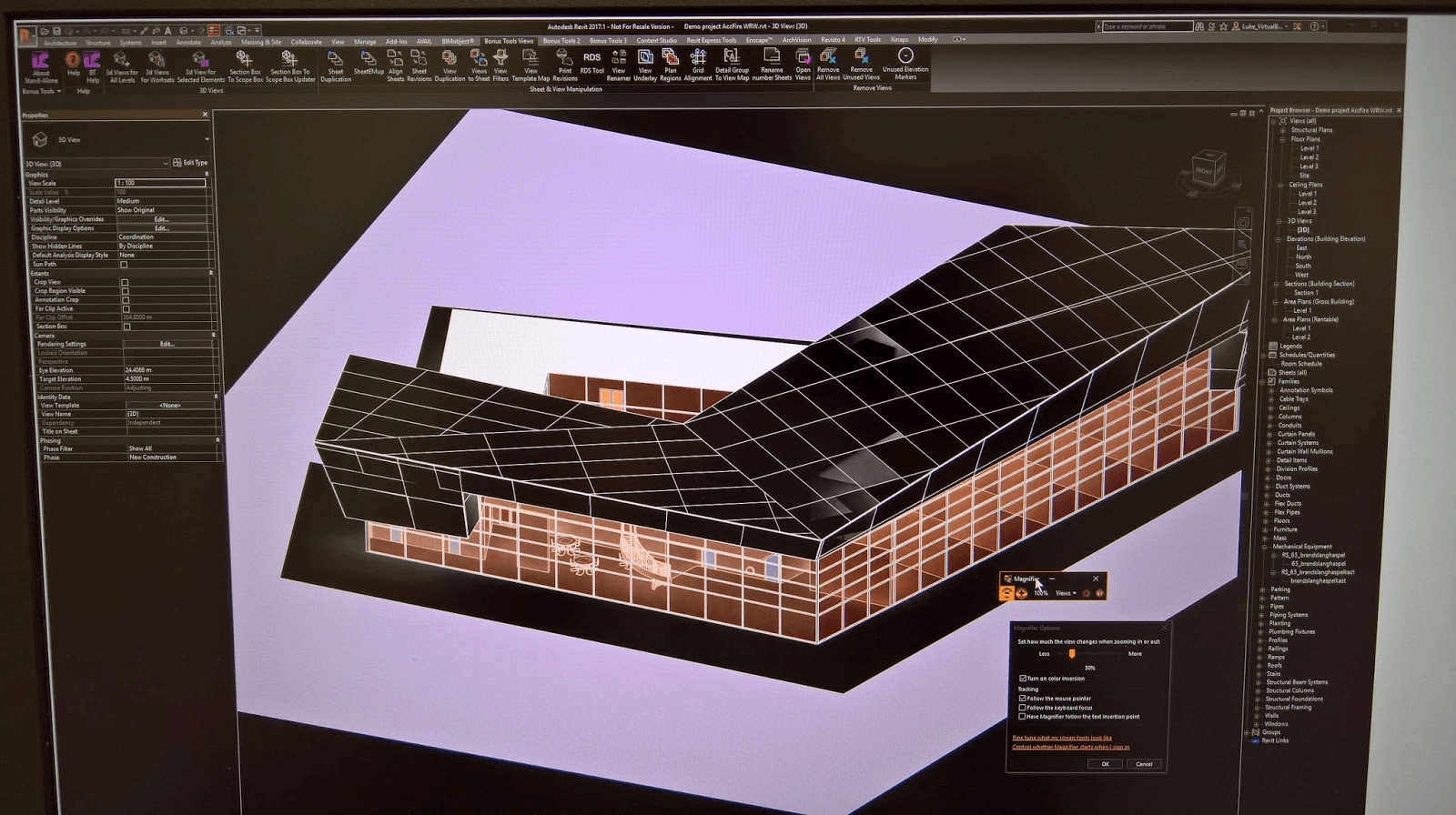
Start the Magnifier tool in Windows, set scale to 100%, then go to settings and enable “Turn on color inversion”.
If you have a CAD user who doesn’t like the change to the Revit UI, maybe this will help them? 🙂
Discussion
0 archived comments. New comments are not enabled.