Fixing “Can’t edit the element. It was deleted in the Central Model” on BIM 360
If you Close All Worksets when opening a model on BIM 360 Design, you may get this error (related to Project Info):
Can’t edit the element. It was deleted in the Central Model.
As you can see, it is related to the Project Info : Project Information element:

The error looks like this. You must click Cancel to proceed:
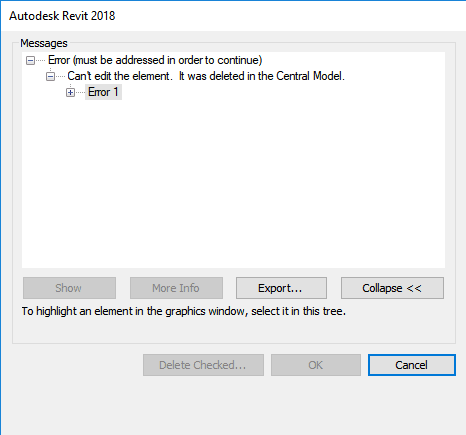
It appears to be some synchronisation bug or similar, possibly related to BIM 360 cloud worksharing. You can force the error to reappear by clicking on the Location option in the Ribbon
To fix it, try doing a full Sync with Central. It seems that this rectifies the bug for that session and future sessions with that particular cloud workshared model.
Discussion
1 archived comments. New comments are not enabled.