Find the elements constrained by a particular Lock
I learned something from Wikihelp today:
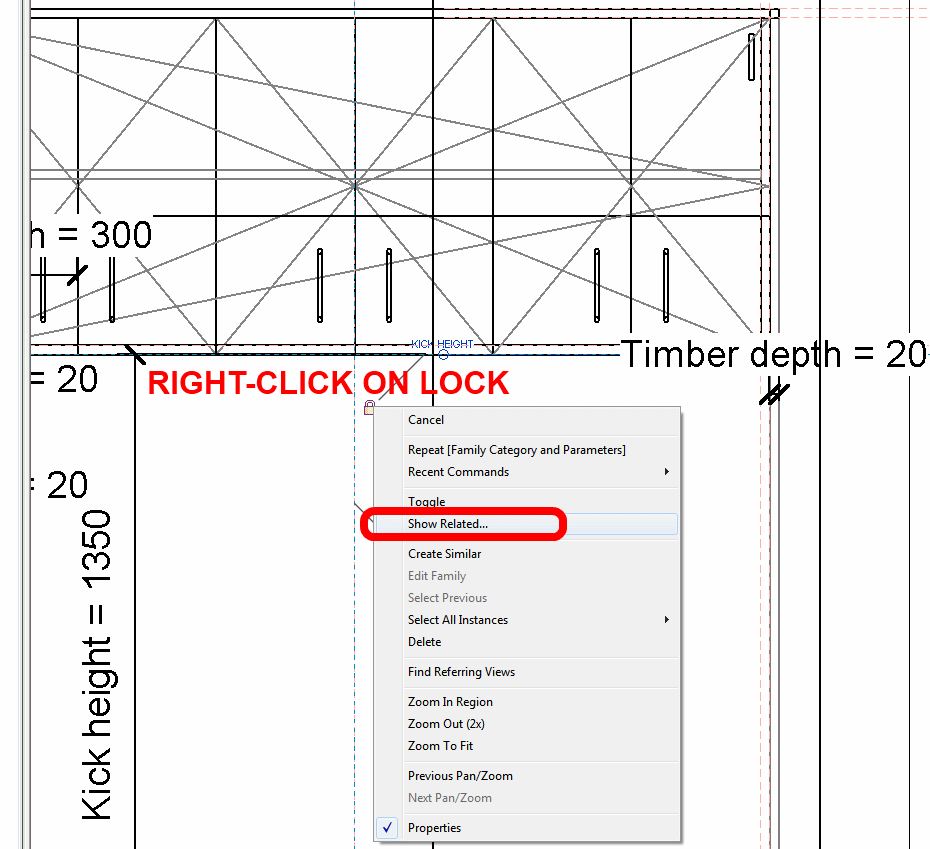
- In the drawing area, right-click a dimension lock.
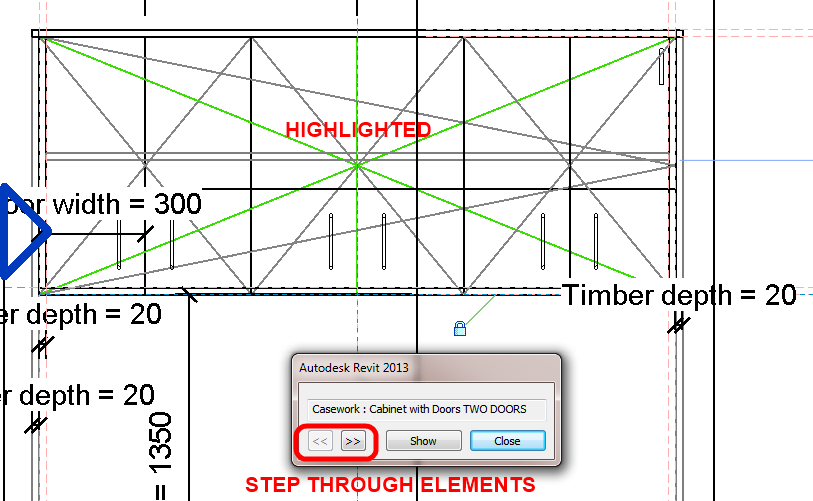
- Select Show Related from the context menu. The appropriate element highlights and a dialog identifies the element.
- Click the arrow buttons to switch between the elements constrained by the lock.
From:
Distinguishing a Dimension Lock’s Related Element – WikiHelp
via
https://twitter.com/RevitWikiHelp
Discussion
1 archived comments. New comments are not enabled.