How To Extract an IFC file from a Tekla TBP Package File
TBP is a Tekla container format, and part of what it typically contains is the model data in IFC format. Just open the TBP in an archive viewer like 7-zip:
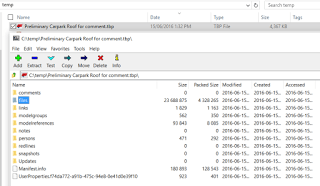
Now you can see the folder structure inside the TBP. If you open up the files subfolder, you should find some IFC data:
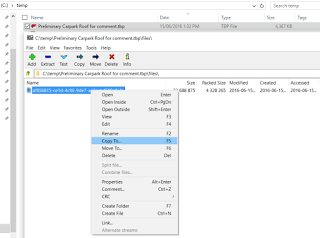
You can copy or extract the IFC to a folder on your computer, and then open it or link it to Revit as usual.
Discussion
0 archived comments. New comments are not enabled.