Delete Imported DWGs (not links) and Other CAD files (plus How to Setup Revit Macros)
Boost Your BIM has been posting some awesome stuff. One older post shows you how to quickly purge your Revit model of Imports:
a FilteredElementCollector, a bit of LINQ, a transaction, and Document.Delete to get the imports (but not the links) out of the model.
Check out the code at:
Delete Imported DWGs and Other CAD files � Boost Your BIM – making Revit even better
If you want to learn how to set-up and use macros in Revit, check out:
Setting up your Revit project for inputting macro codes – Benjamin Malone
His detailed post covers:
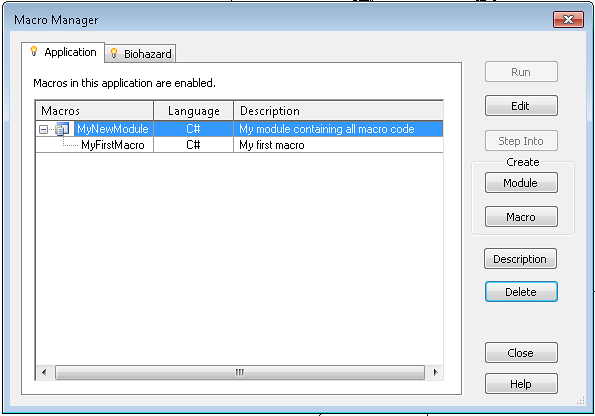
- Revit Macro Manager
- Module creation and choosing a language
- SharpDevelop
- Building and running the macro
Discussion
0 archived comments. New comments are not enabled.