Code Calcs is back, and its working on 2013 and 2014. Do you like saving time?
There is a difference between BIM and automation. Using Revit for BIM isn’t automatic – you need skills, time and effort to make it work.
Certain Revit add-ins fill a real need to make that leap between ‘hard work BIM’ and ‘automated BIM’. SAuBIM – Code Calcs is a proven tool for automating compliance checks related to room areas. It has been updated to version 2.0, and is working with 2013 and 2014.
Oh, and did I mention that Harry Mattison has been involved in the process – you won’t be disappointed!
As Jeff says:
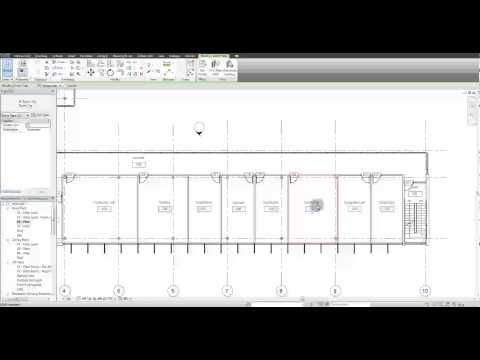
Simply click “Update Tags” and you have calculated data semi-automatically updated into your room tag!
Open embedded content: www.youtube.com
You can get hold of Code Calcs for Revit 2013 and 2014 by using this link.
If you haven’t heard of it before, it automatically creates schedules for:
Discussion
1 archived comments. New comments are not enabled.