Changing the Level of a Room in Revit
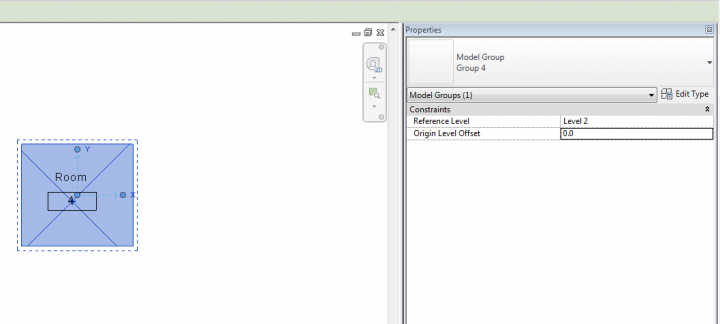
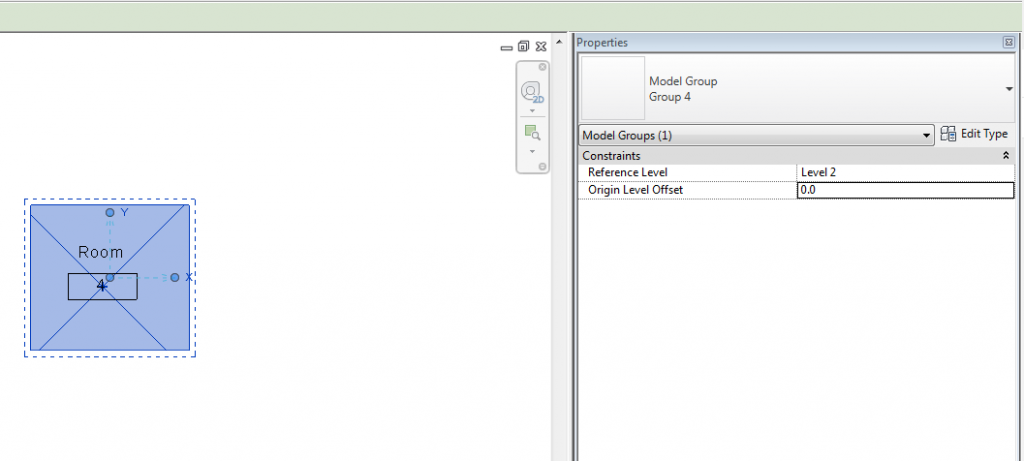
David shows that we can rehost a Room to a different Level by simply doing this:
- Group the Room element
- Change the Level field of the Group
- Ungroup
Unfortunately, while this doesn’t result in multiple entries in a Room Schedule (like Cut / Paste will), it does result in a new Element ID for the Room element.
Discussion
1 archived comments. New comments are not enabled.