Casual Search Sets for Glue, and Merging Clash Groups in Navisworks
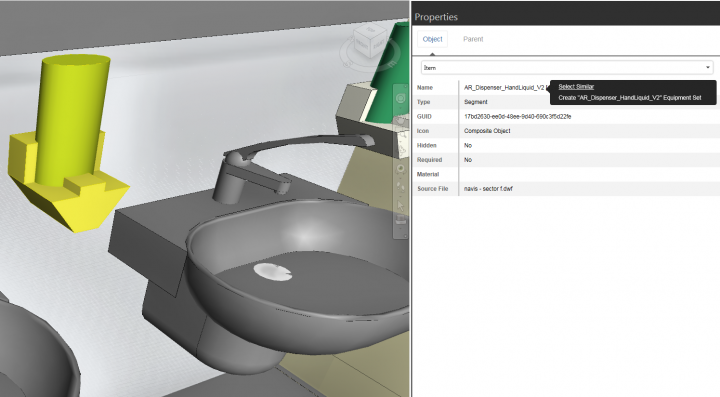
To simulate a temporary search set in Glue, select an object and view its properties. Then, right-click on the desired “search” property and click Select Similar:
To merge Clash Groups in Navisworks:
- Select the Groups you want to Merge with Ctrl key
- Right-click, Explode (the child clashes will remain selected)
- Right-click, Group
Screencast of above:
Open embedded content: screencast.autodesk.com
Discussion
0 archived comments. New comments are not enabled.