Assign a shortcut key to 'Pick Lines' in Revit
You can multi-assign a shortcut key to the ‘Pick Lines’ subcommand – see image below:
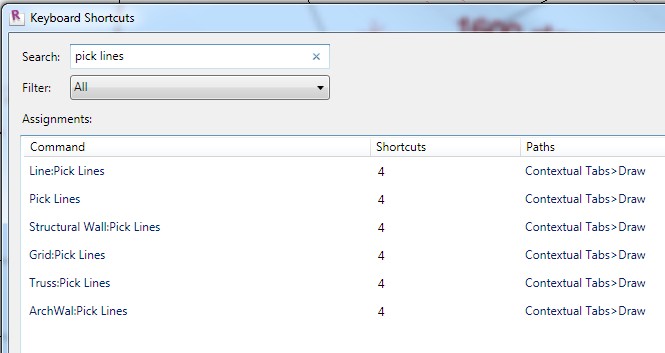
I’m sure you can see the benefit in doing this?
You can multi-assign a shortcut key to the ‘Pick Lines’ subcommand – see image below:
I’m sure you can see the benefit in doing this?
Discussion
2 archived comments. New comments are not enabled.
we did that long time ago
question is why they r not converged yet
same goes with shadows on|off, sunpath on|off and so on. one toggle|command
But won't this break the behaviour of the key '4'?