Adding globally available Aster GDEM Topography to Infraworks (and Infraworks Interference Checking using Drive)
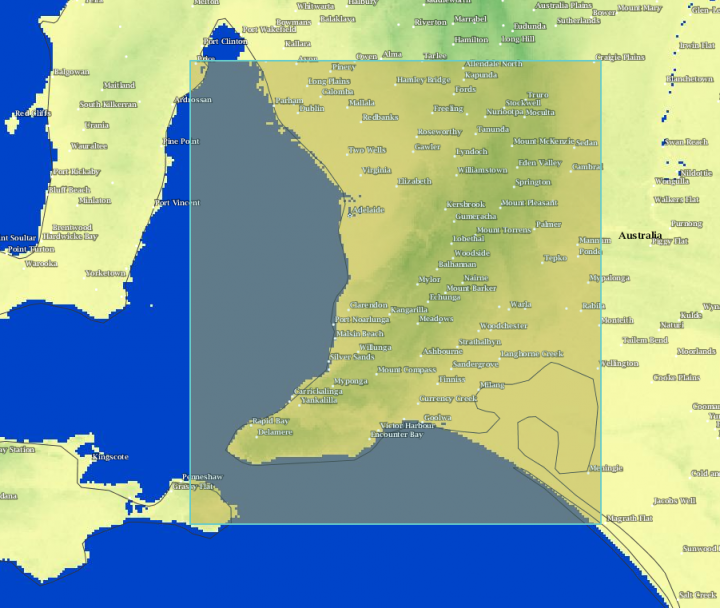
The release of the Advanced Spaceborne Thermal Emission and Reflection Radiometer (ASTER) Global Digital Elevation Model Version 2 (GDEM V2) was announced on October 17, 2011. This data can be downloaded and imported to Infraworks.
Here’s how:
1) Go here:
http://gdex.cr.usgs.gov/gdex/
2) Create an account / login
3) Browse the world, then Select a region using one of the tools, such as Rectangle
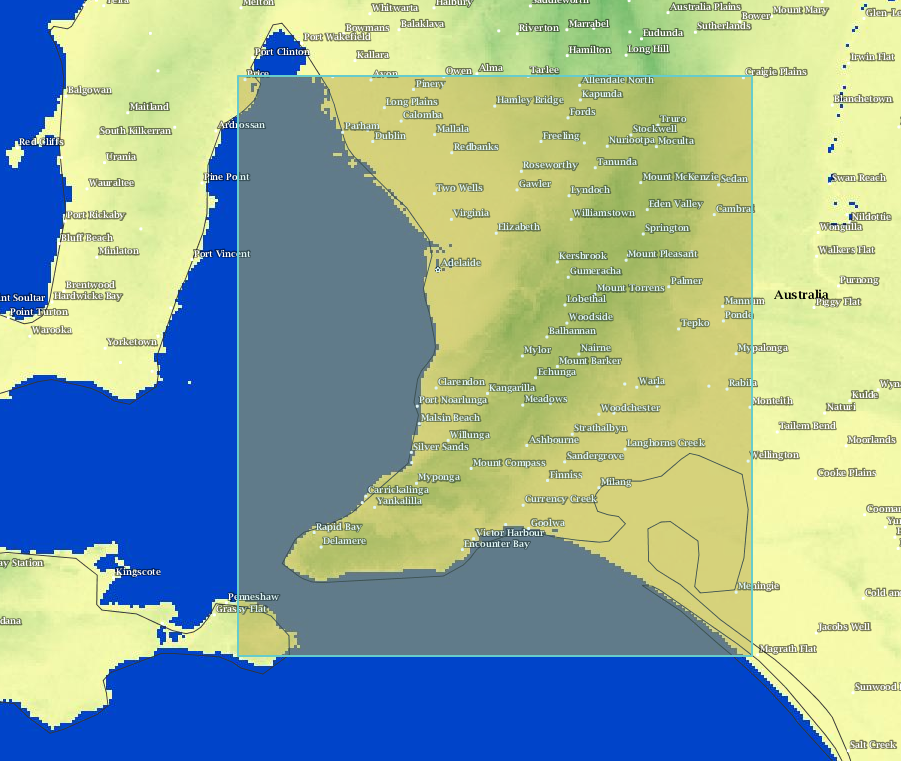
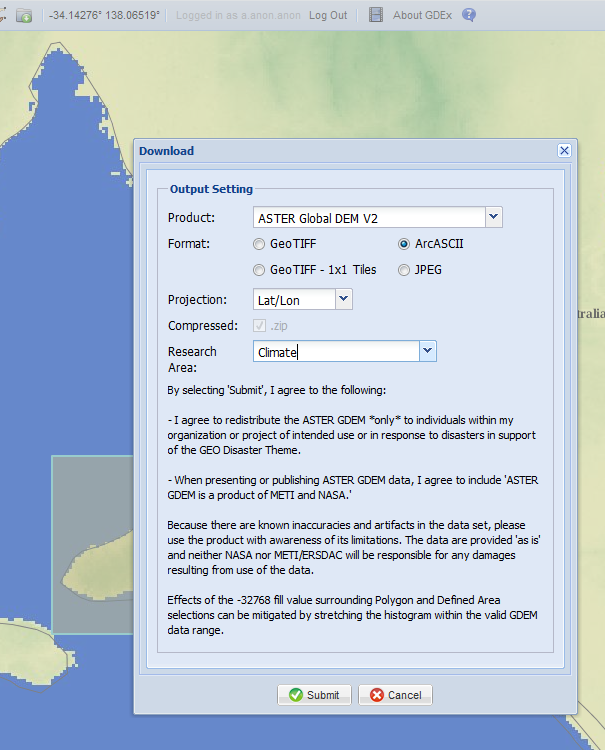
4) Download using ArcASCII
5) Back in Infraworks: Import from file, Raster
6) Select the ArcASCII file
7) Right click the source in Infraworks and pick Refresh. Your topo should now be visible:
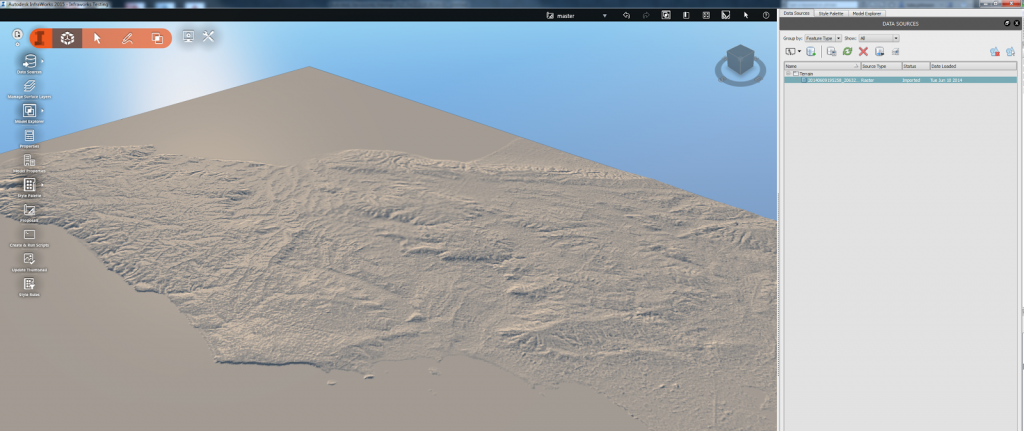
8) Now import your Revit or Civil3D models and create your animations…
More info:
ASTER Global Digital Elevation Map
via
Using #InfraWorks? Need elevation data outside the United States? Search for “Aster GDEM”. Free elevation data for 99% of the globe!
— Brian Hailey, PE (@C3DPlus) May 2, 2014
Infraworks Interference Checking using drive command above pipes:
Next stop. #Infraworks use the drive command on pipes to check pipe interferences. Not just for corridors. #Civil3d pic.twitter.com/2izfvzeRGB
— Juan (@Civil3d_Jedi) June 5, 2014
On a related note: you can use AutoCAD GEO command to grab coordinate data
- operates in layers
Another link about using Infraworks:
Discussion
0 archived comments. New comments are not enabled.